Build a Product Configurator
Combine components and logic into a complete configurable product
Overview
A product configurator is more than one dynamic object. It combines reusable components, shared parameters, business rules, and a clean user-facing control set.
Time
About 24 minutes
Level
Intermediate
Goal
A configurable product assembled from components and controlled by a small set of inputs
Step 1: Split the product into components
Identify the parts that repeat or vary independently. Typical examples are panels, profiles, connectors, accessories, or standard hardware.
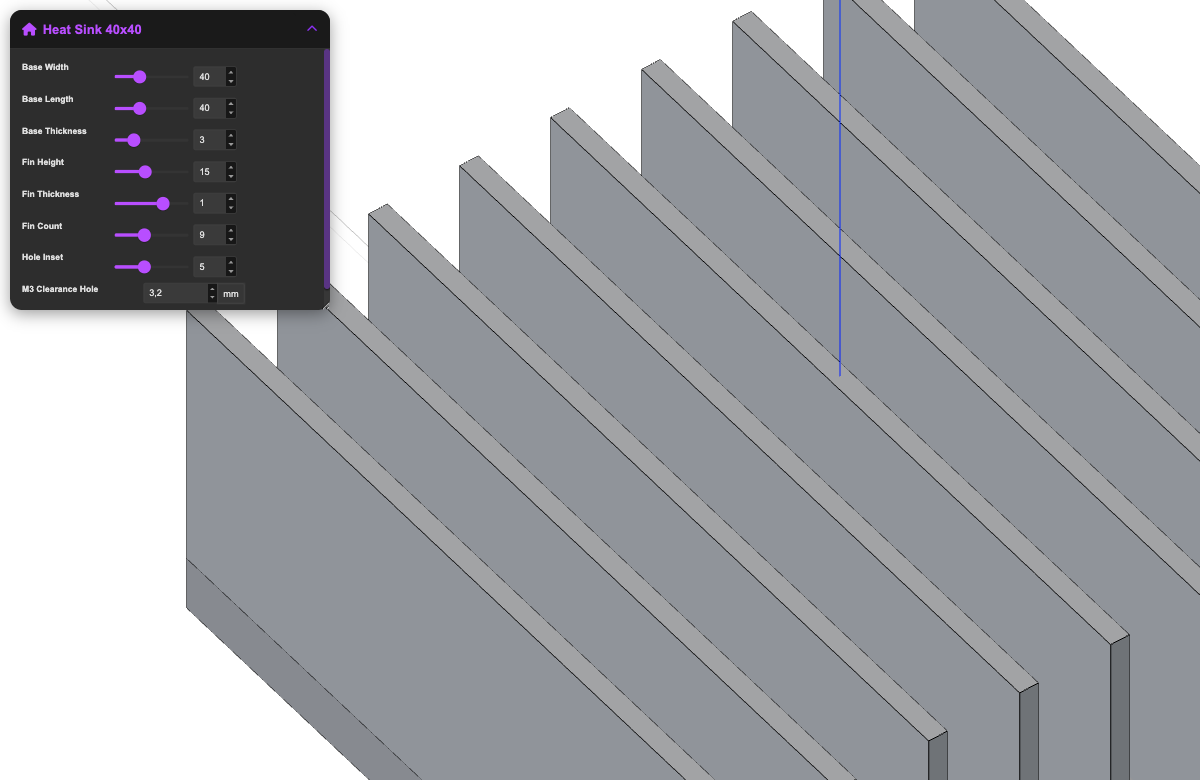
Step 2: Share parameters between parts
Let shared values such as width, height, color, and material flow into multiple components. That keeps the product consistent as users change options.
Parameter map
productWidth -> frame.width
productWidth -> panel.width
finish       -> frame.material
finish       -> connector.material
Step 3: Add option logic
Use rules to decide which components appear, which dimensions are valid, and which options should be disabled for the selected configuration.
Configurator checklist
Check the smallest, largest, and most common configurations. Then test one invalid combination and confirm the interface guides the user back to a valid result.