Configurable
3D Models.
AI → CAD → Production
Use AI to create configurable 3D models and carry the same rules through configurators, quotes, CAD, and manufacturing — no programming, all in the browser.
›
- 1
- 2
- 3
- 4
Example projects
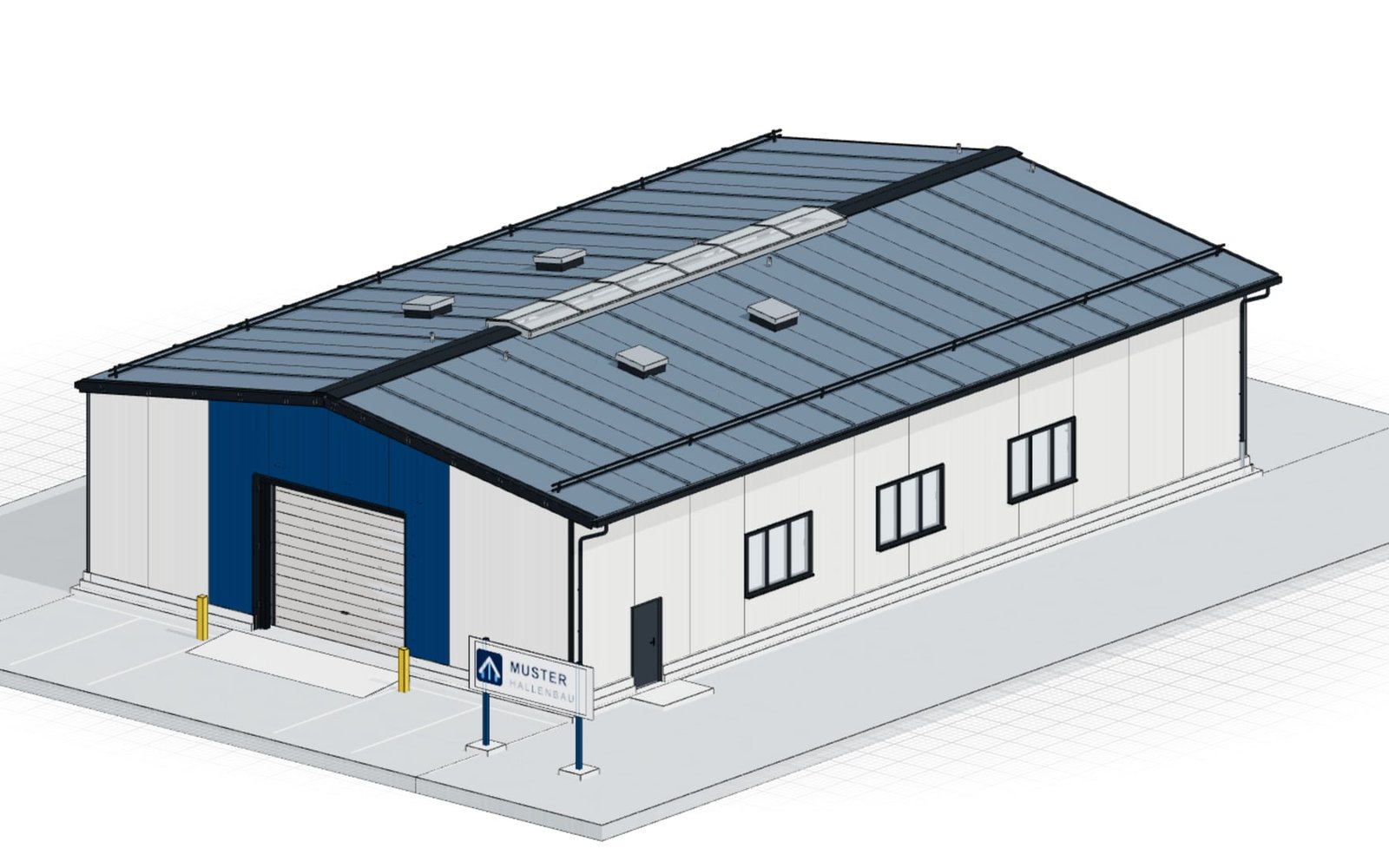
Grid-based system building
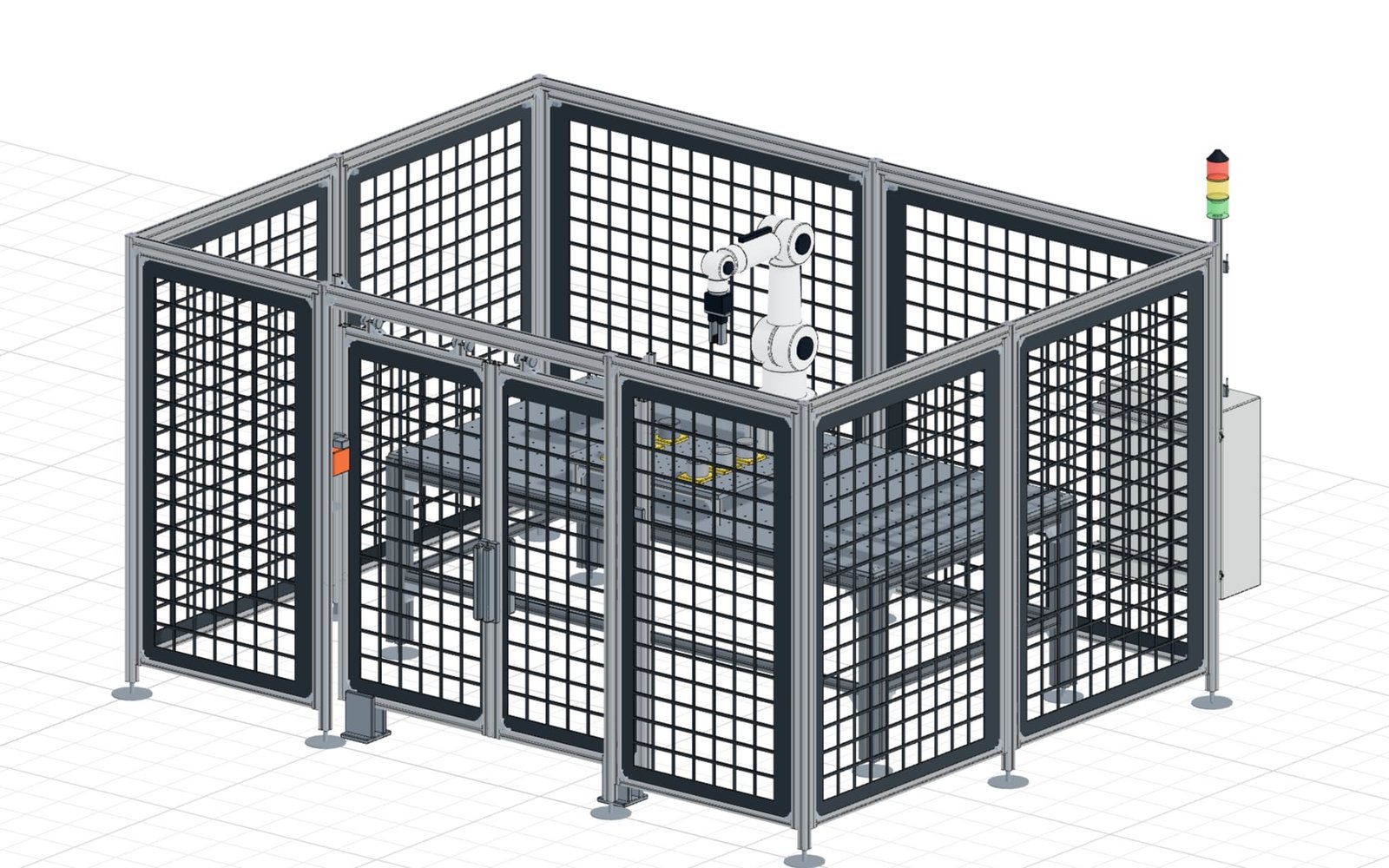
Cobot cell with safety fence
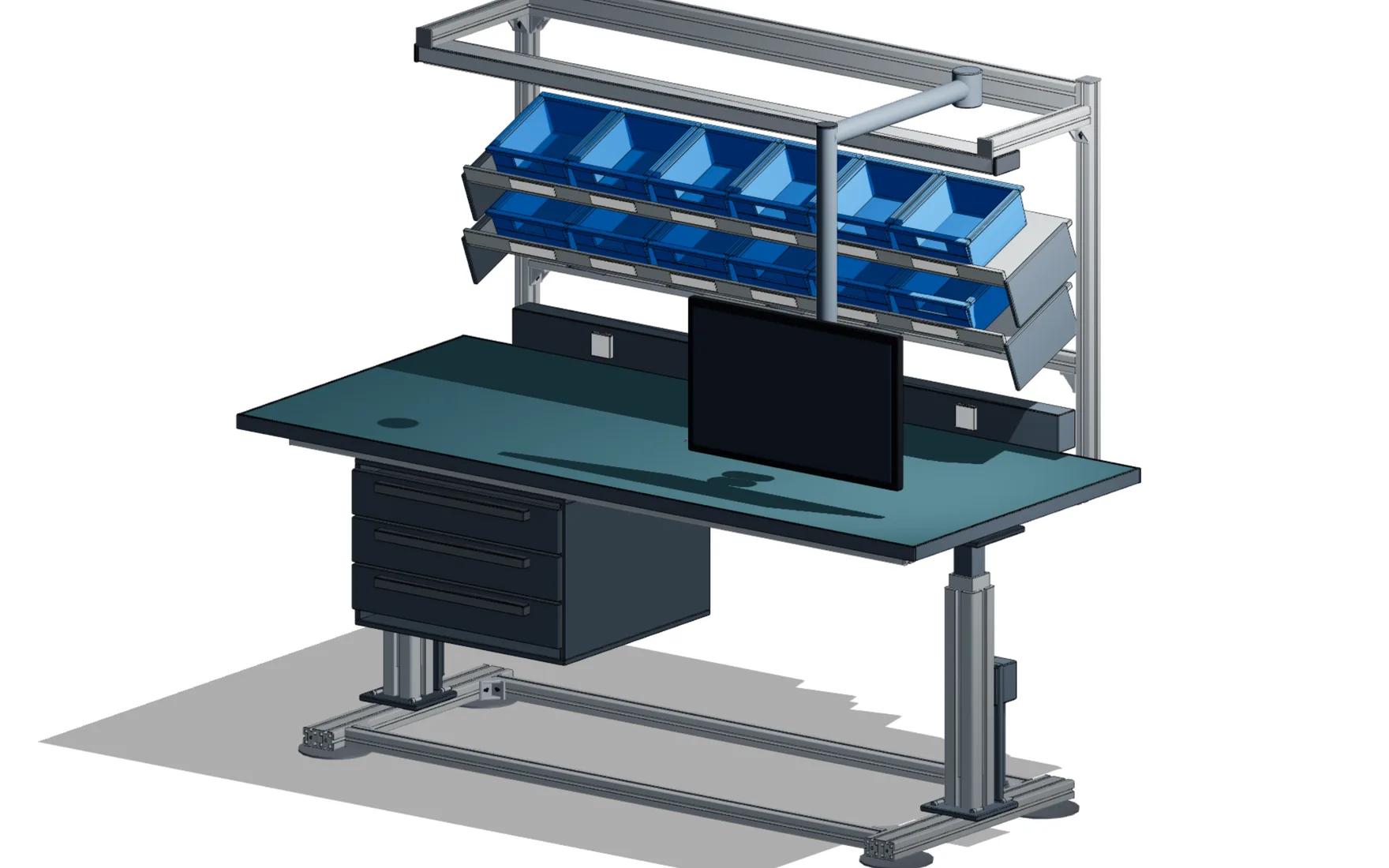
ESD assembly workstation
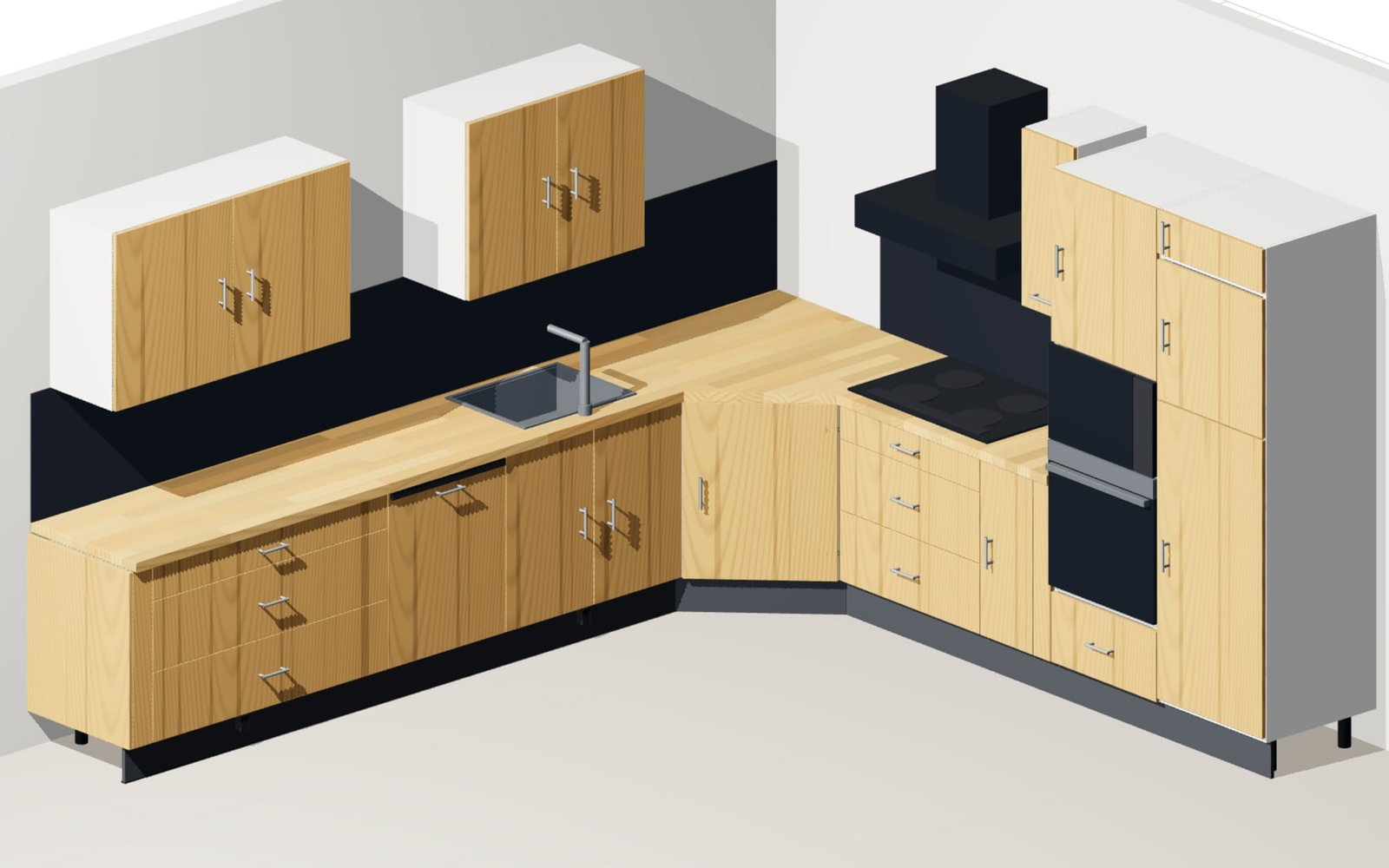
Fitted kitchen
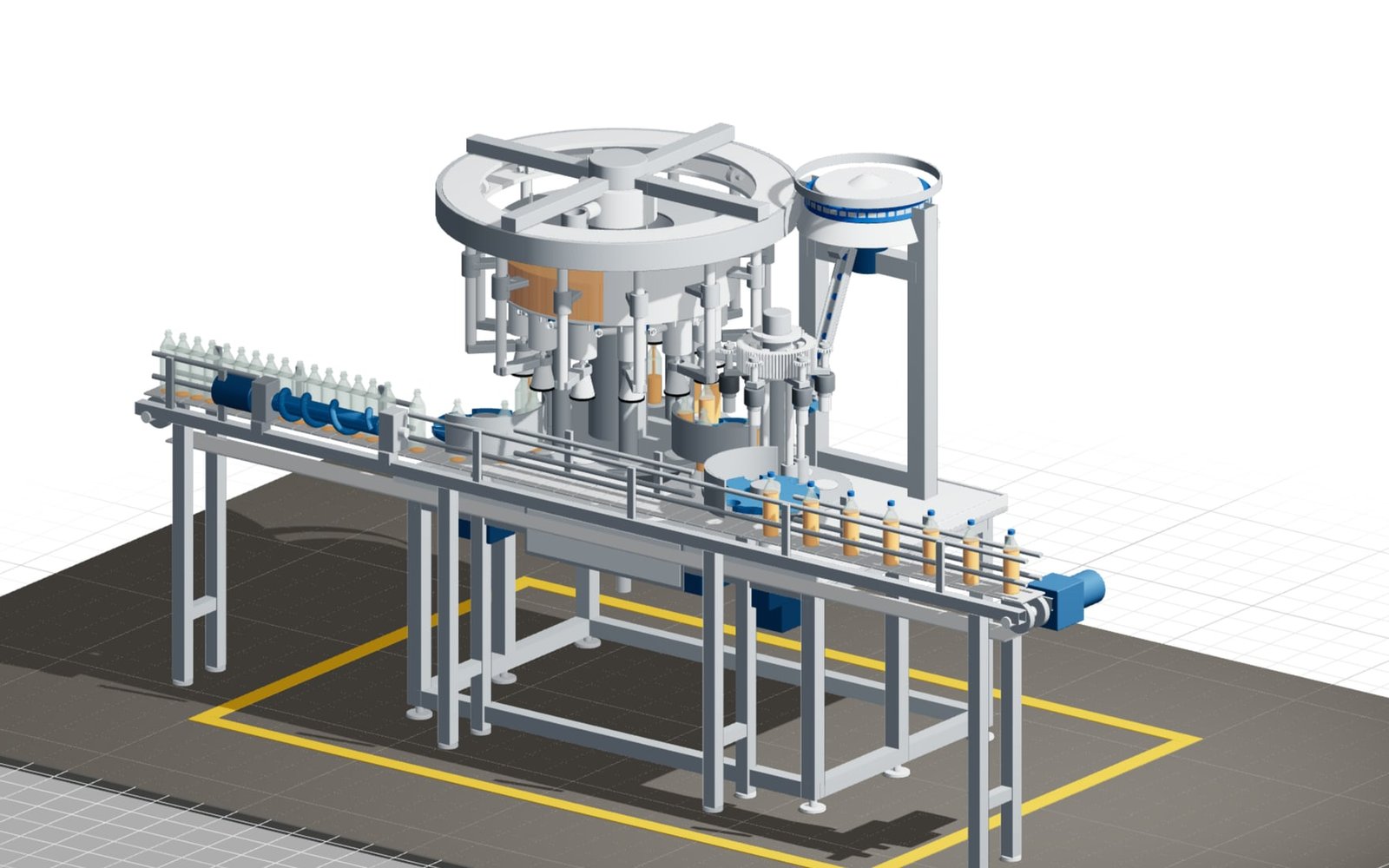
Rotary filling monobloc
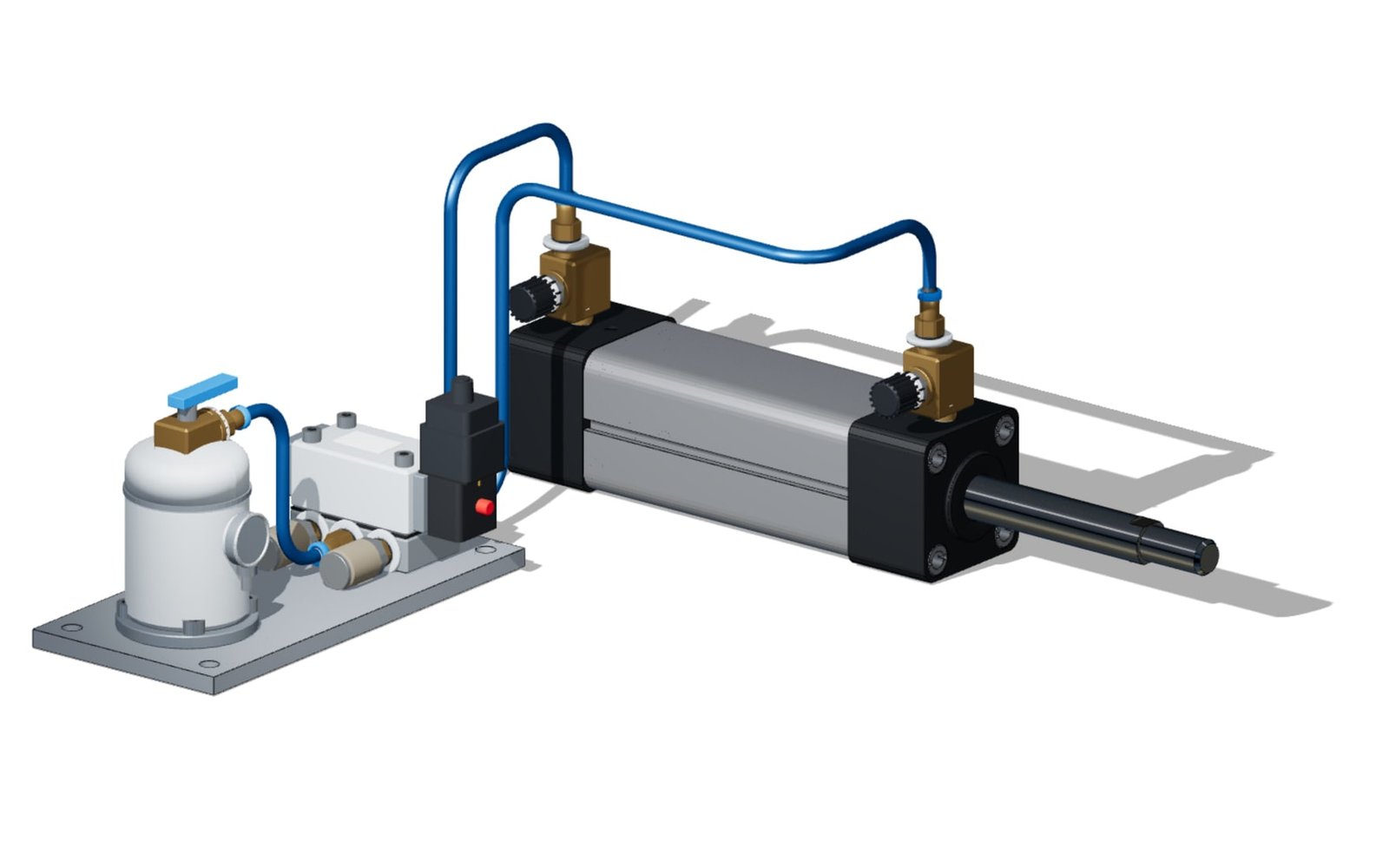
ISO 15552 pneumatic cylinder
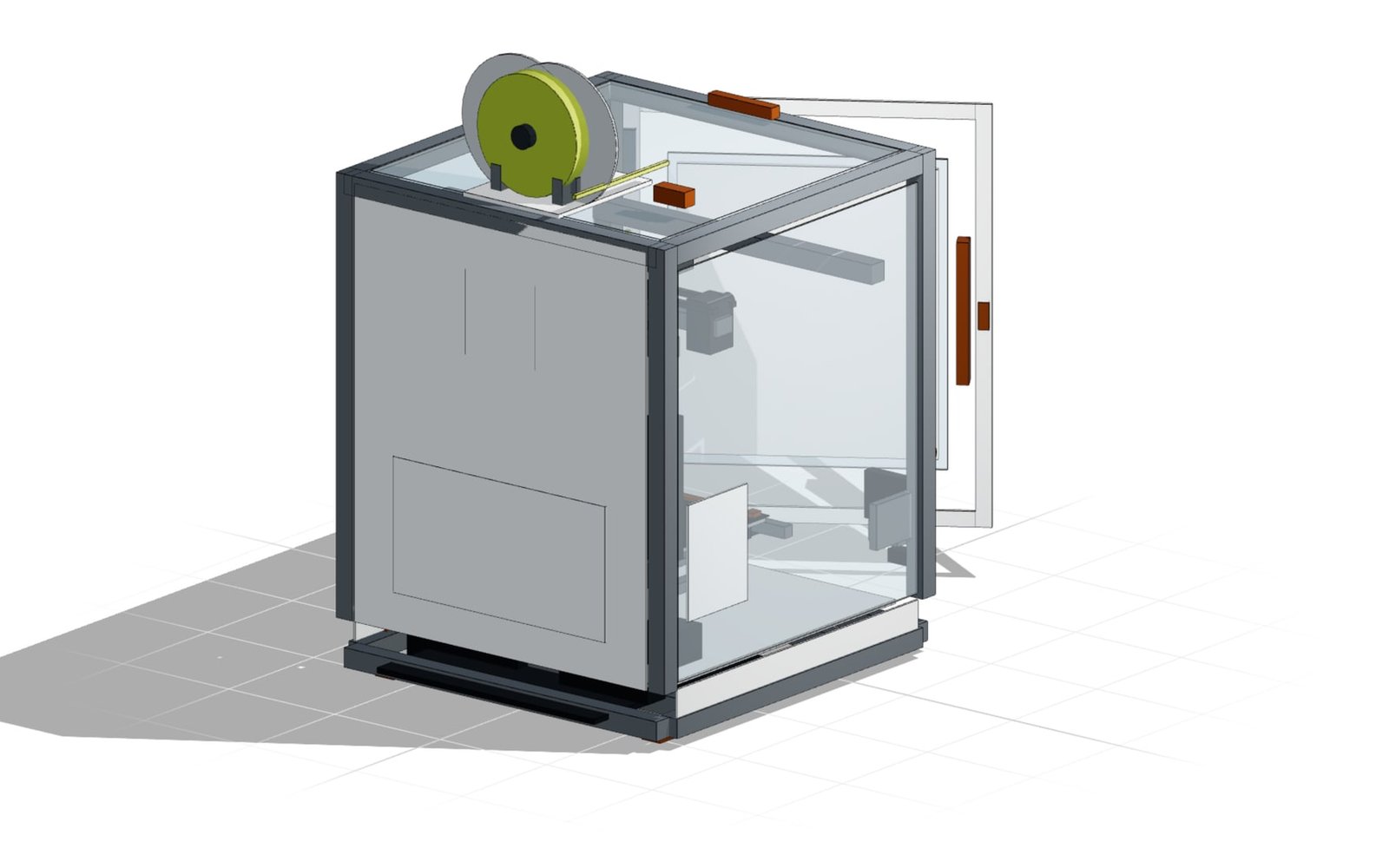
CoreXY 3D printer
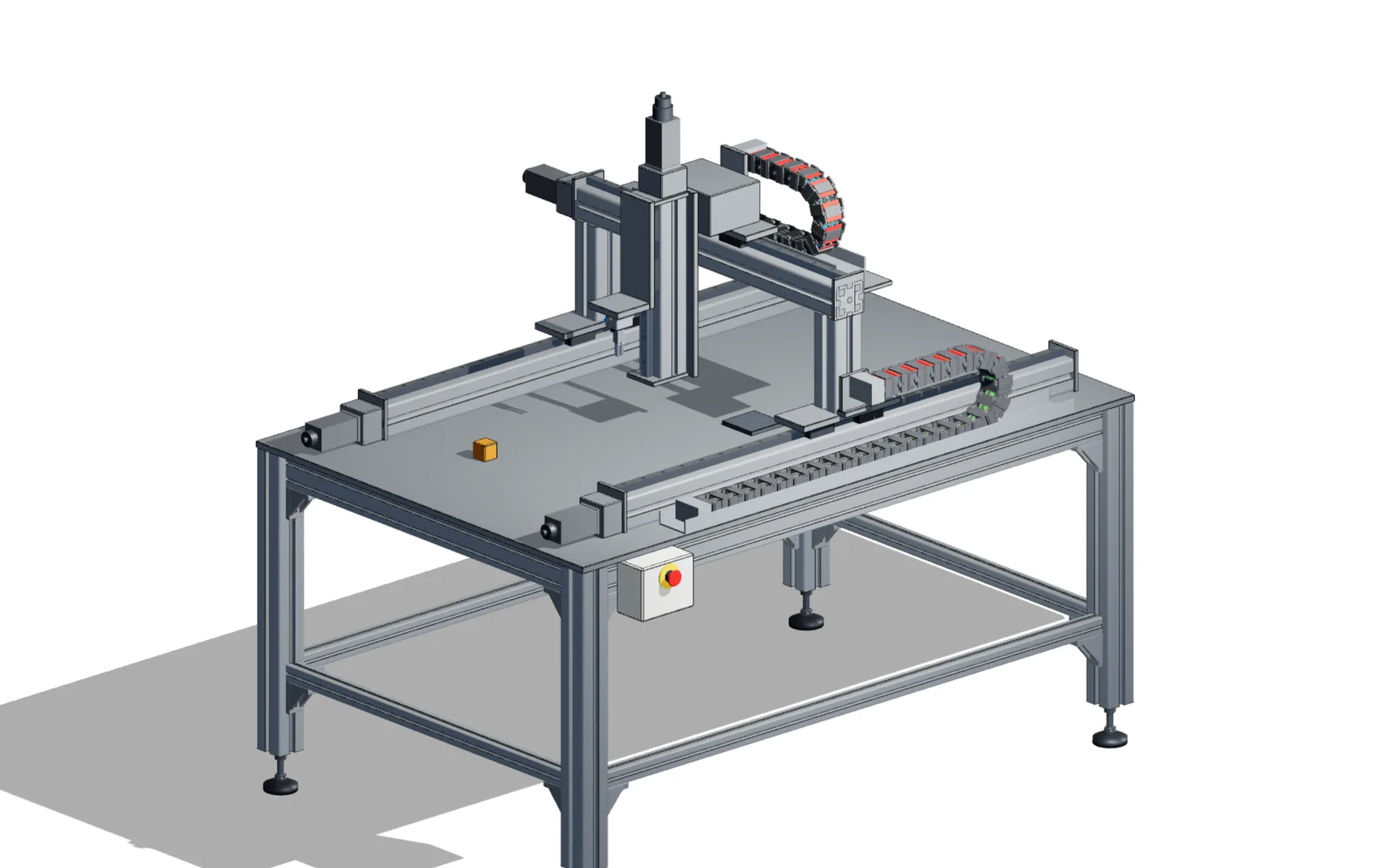
Pick-and-place gantry
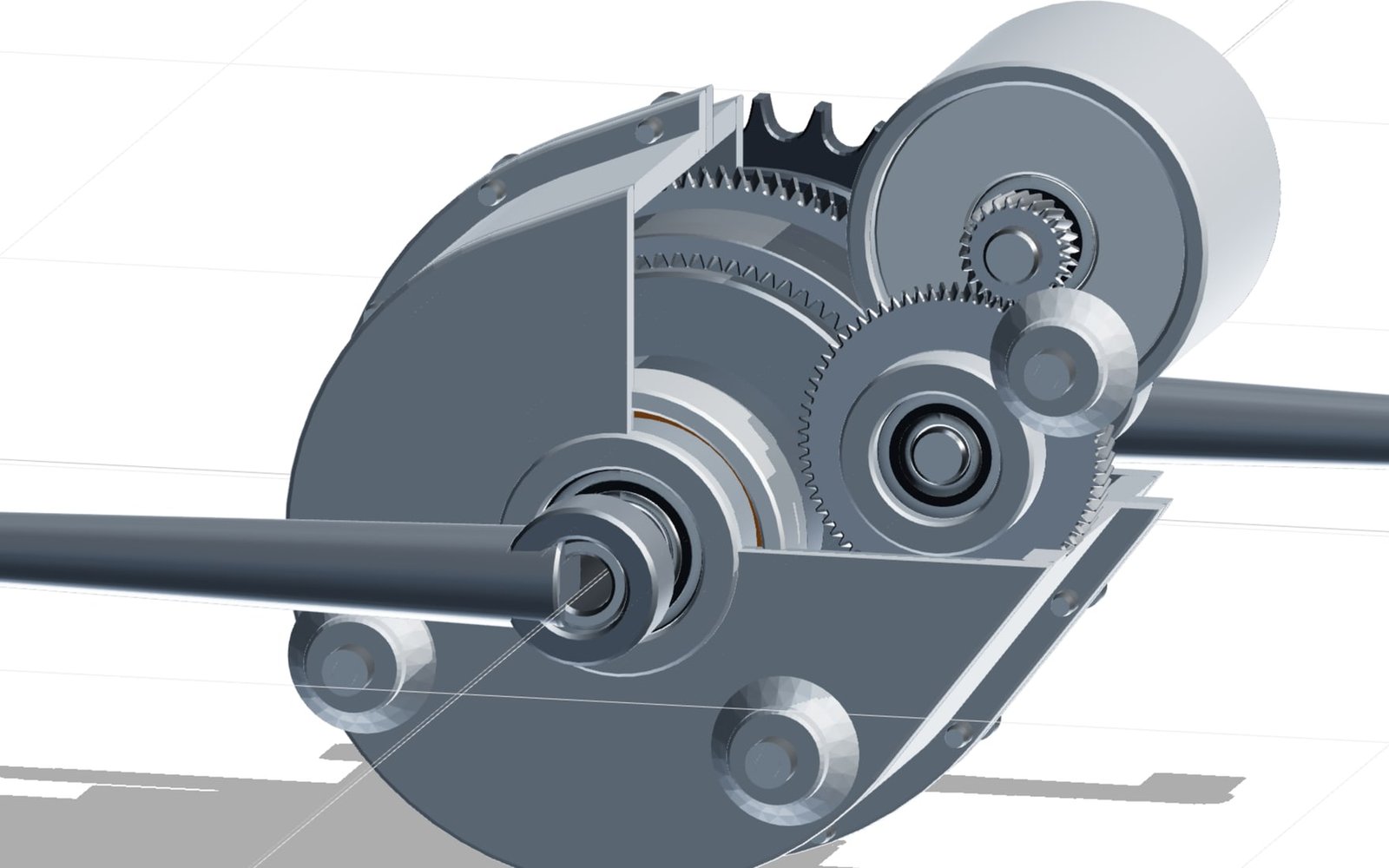
E-MTB mid-drive with eCVT
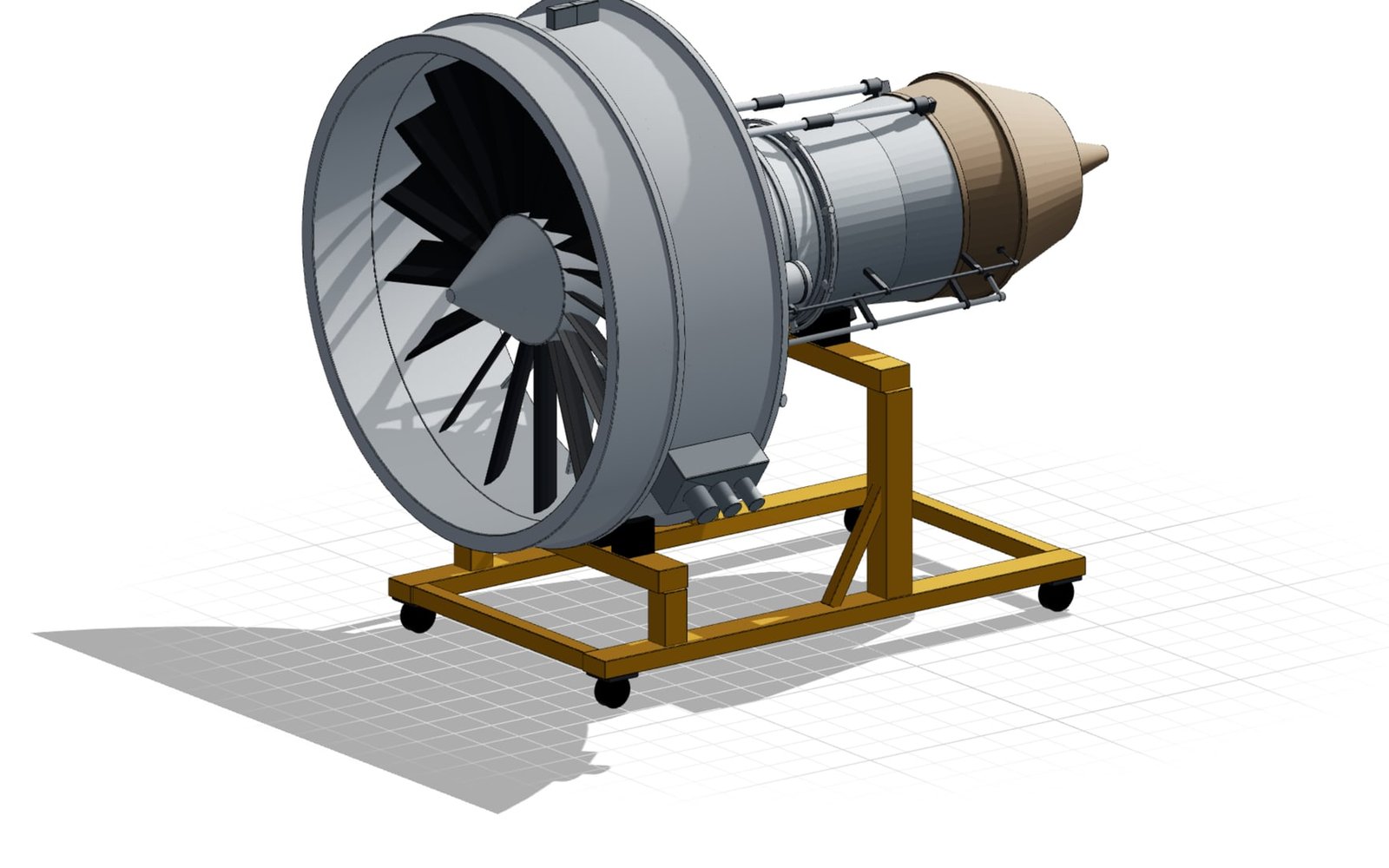
Turbofan engine
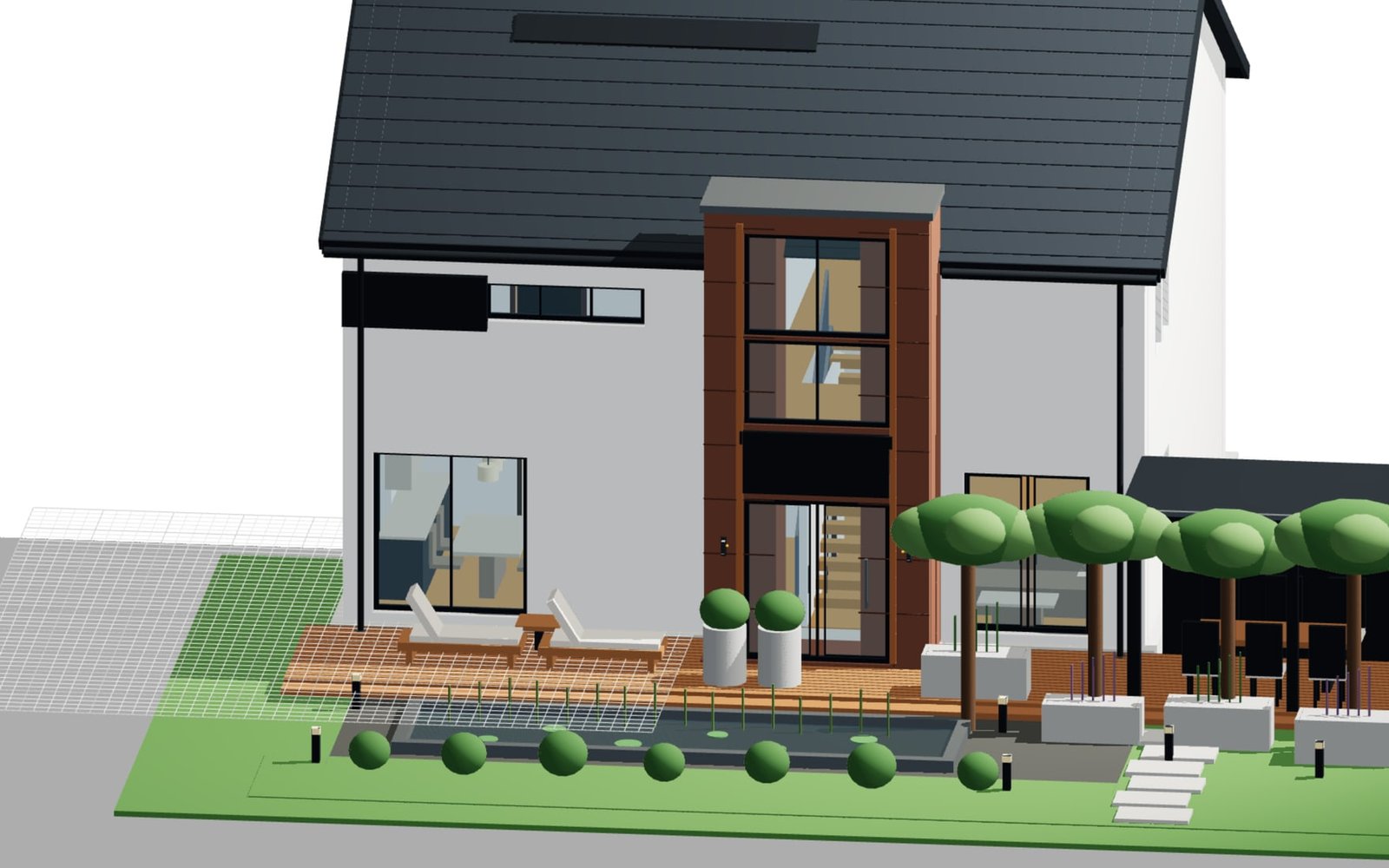
Gable house with stone tower
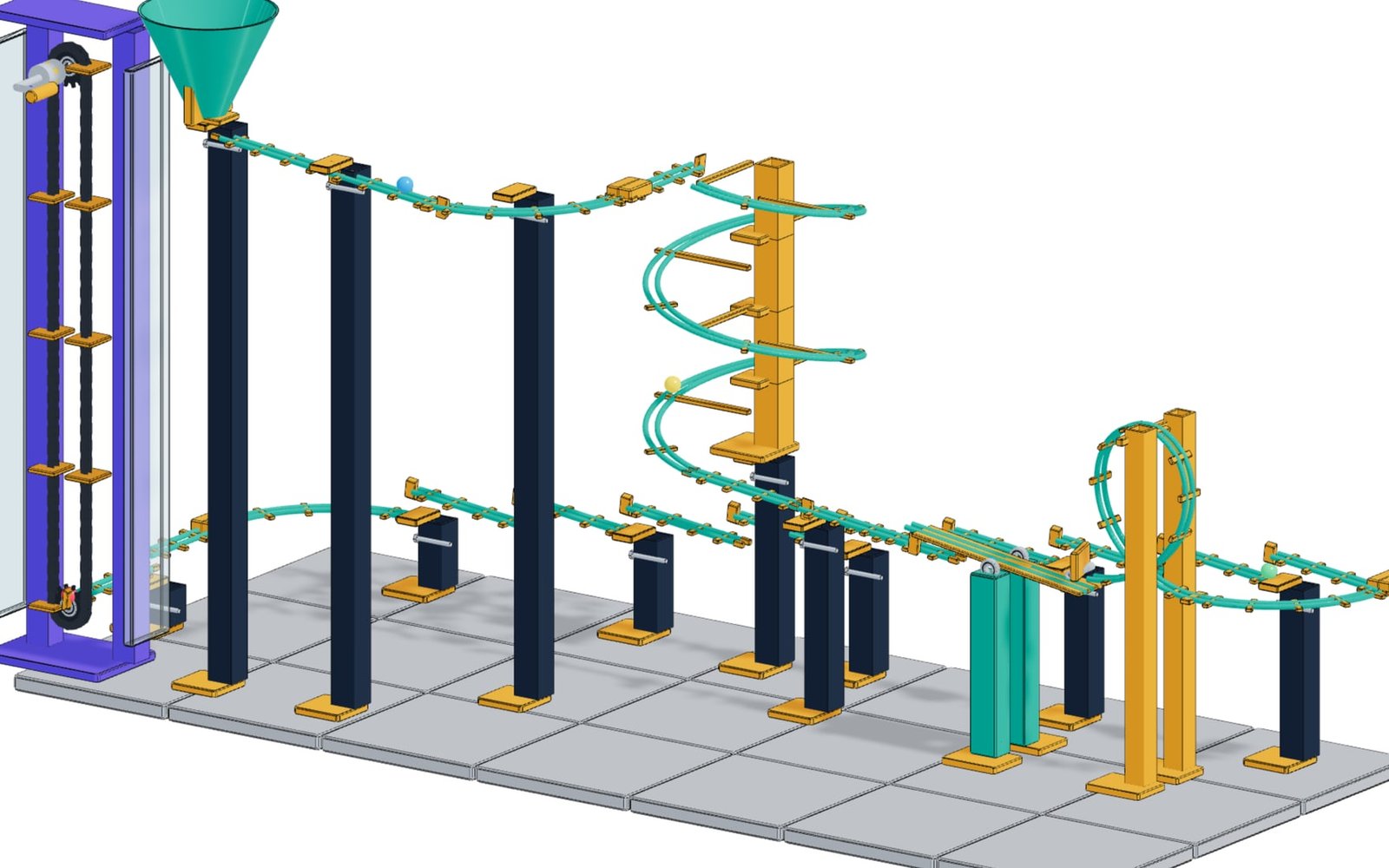
Modular kinetic marble run

Boeing 747-400
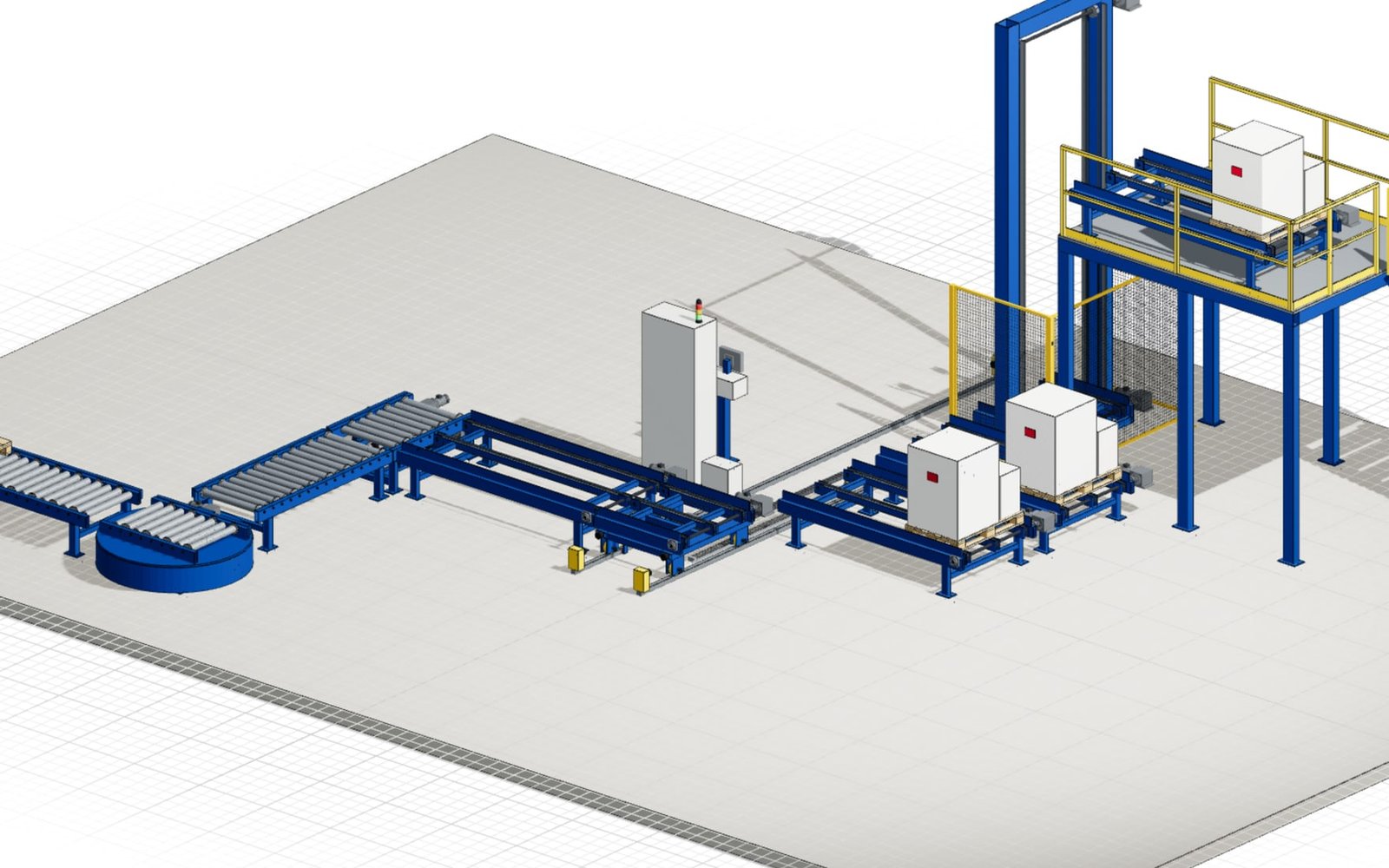
Pallet conveyor system
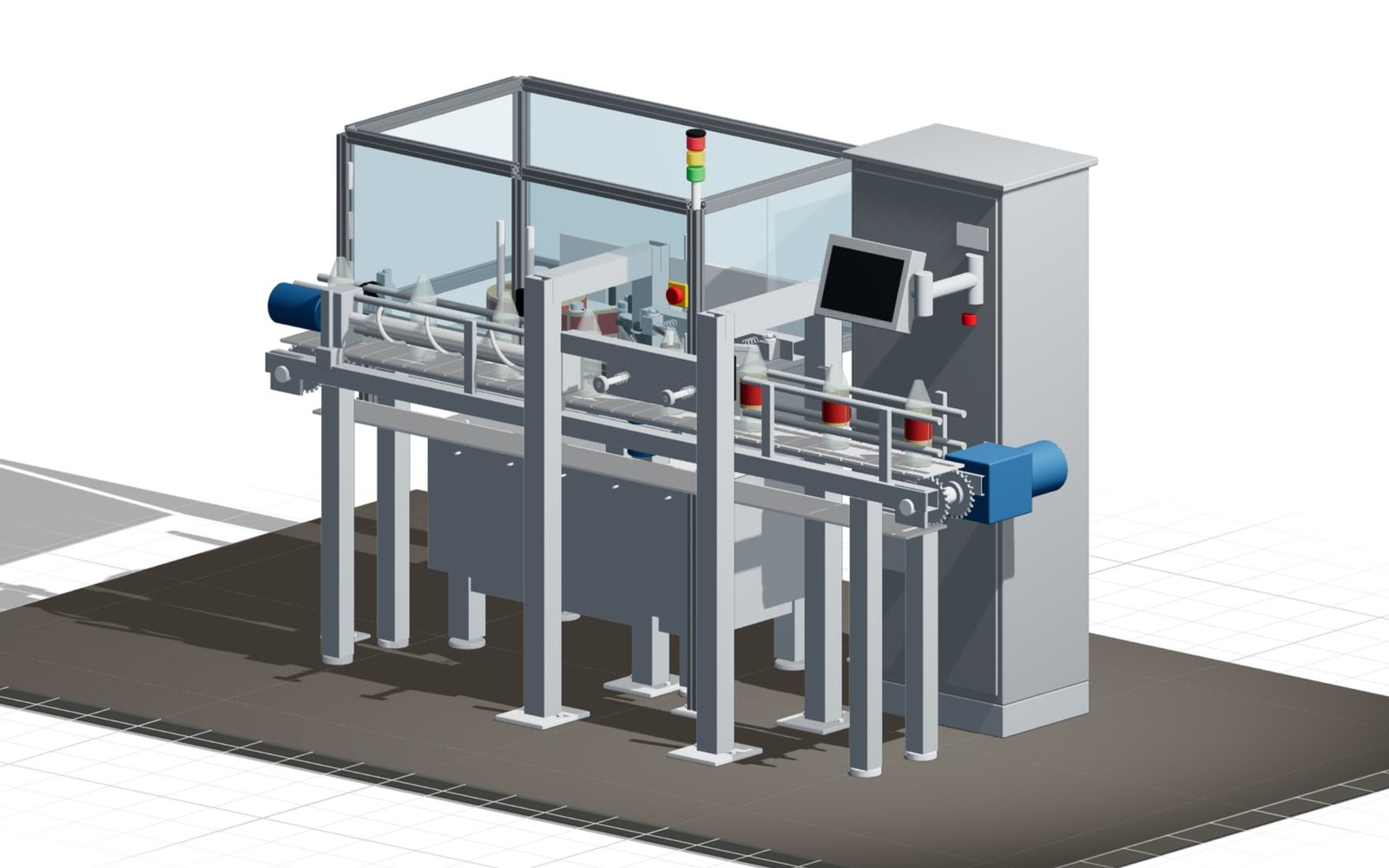
Bottle labelling machine
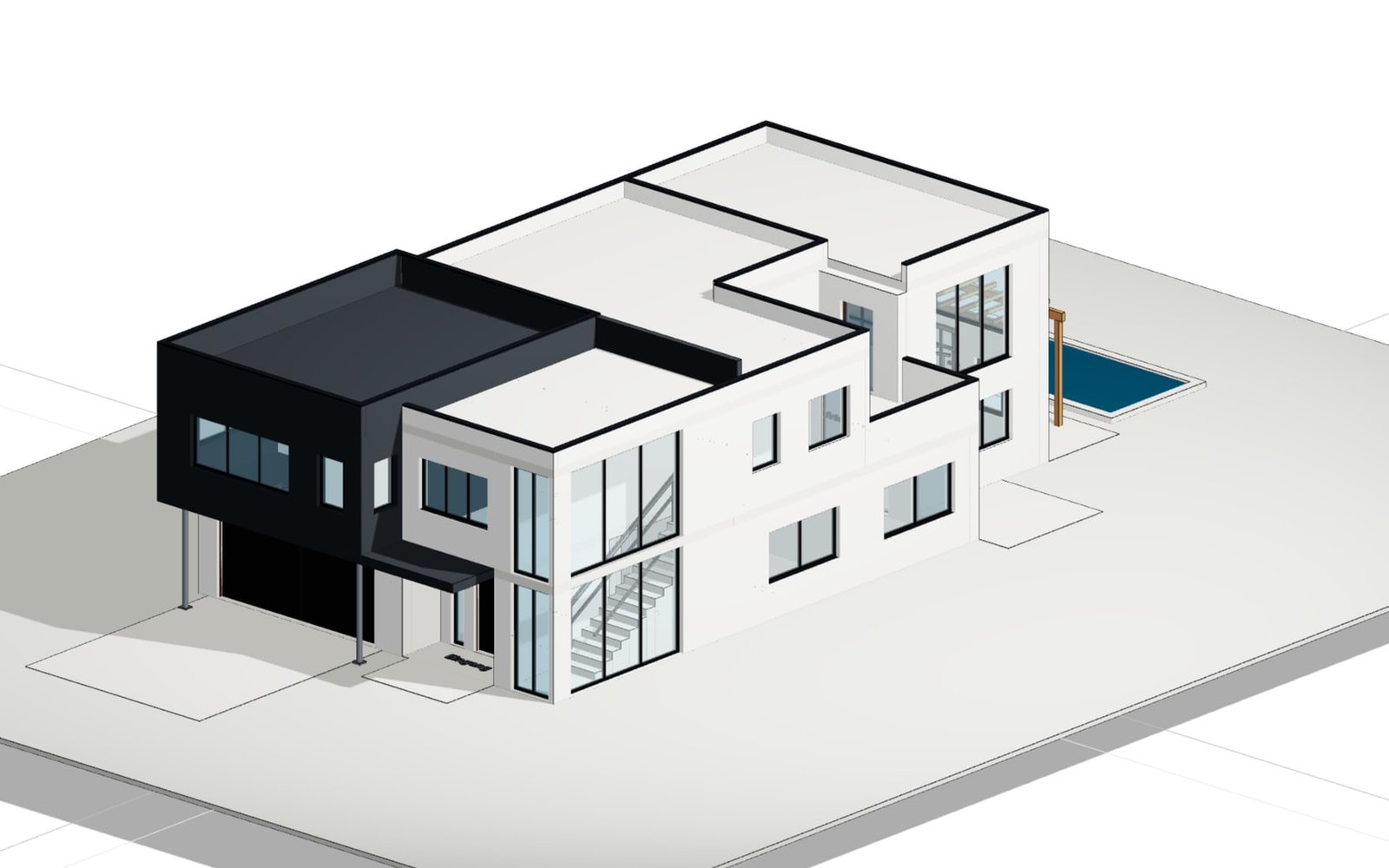
Bauhaus house with living hall

PV house with glass canopy
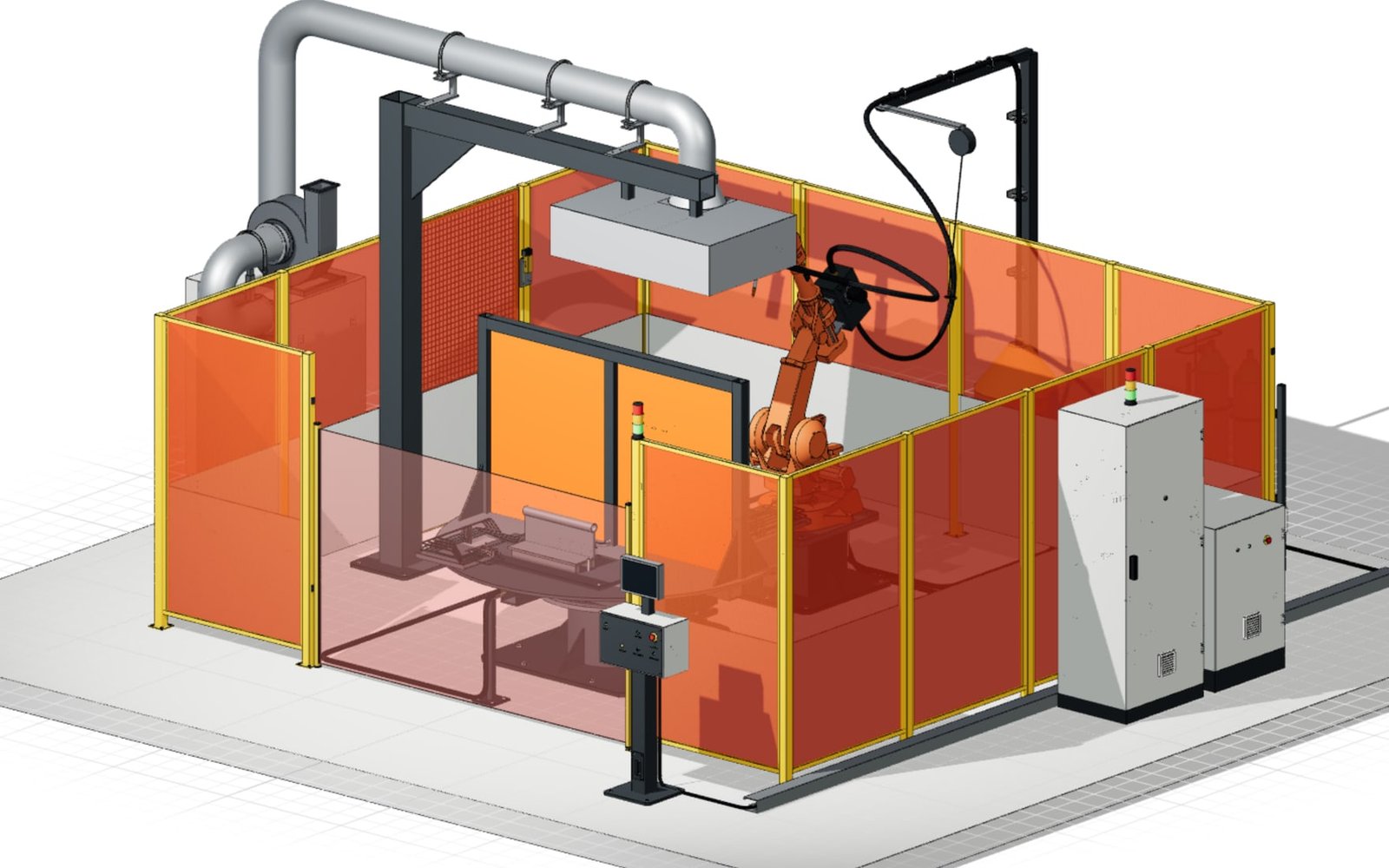
Robotic welding cell
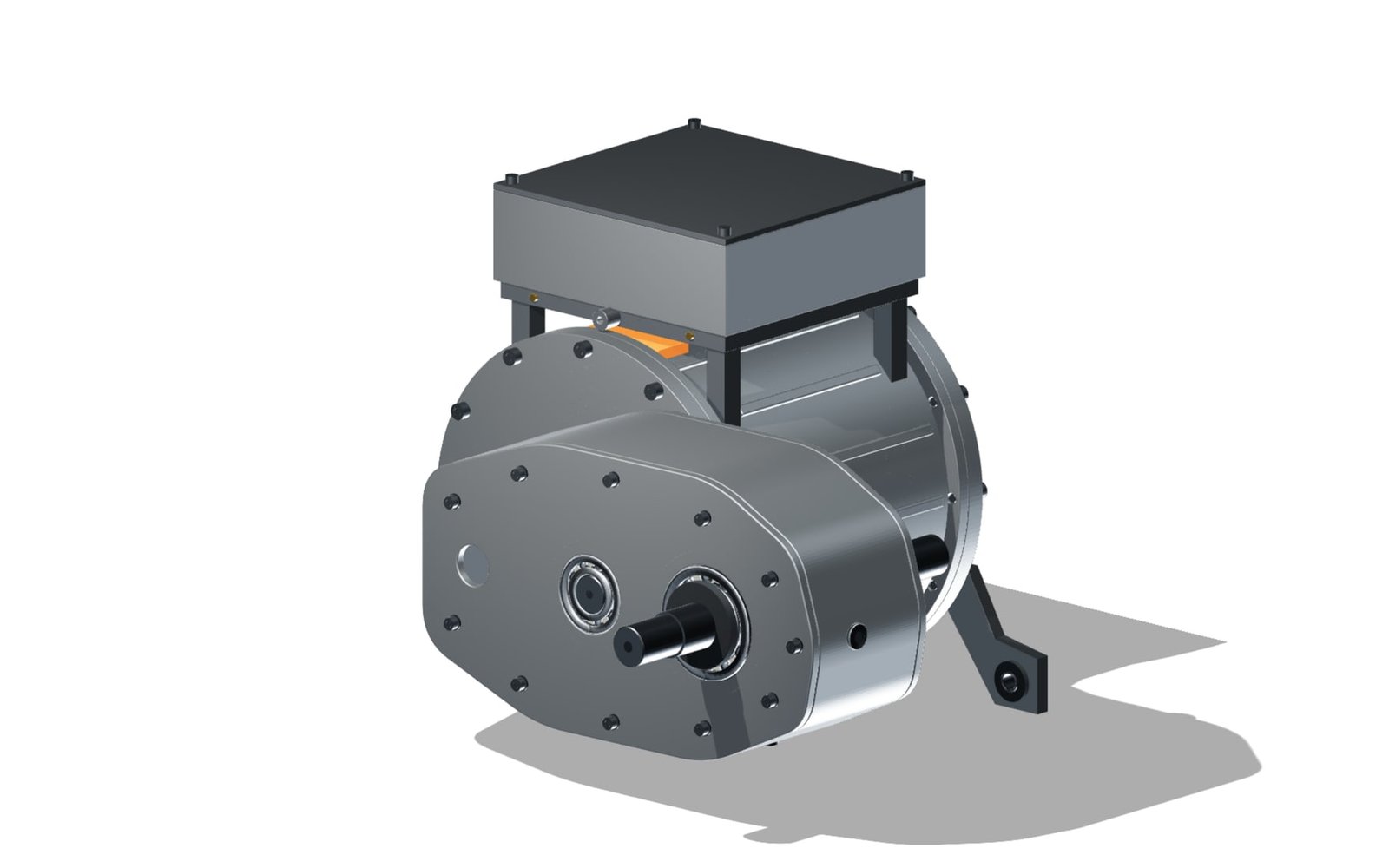
EV250 electric vehicle drive
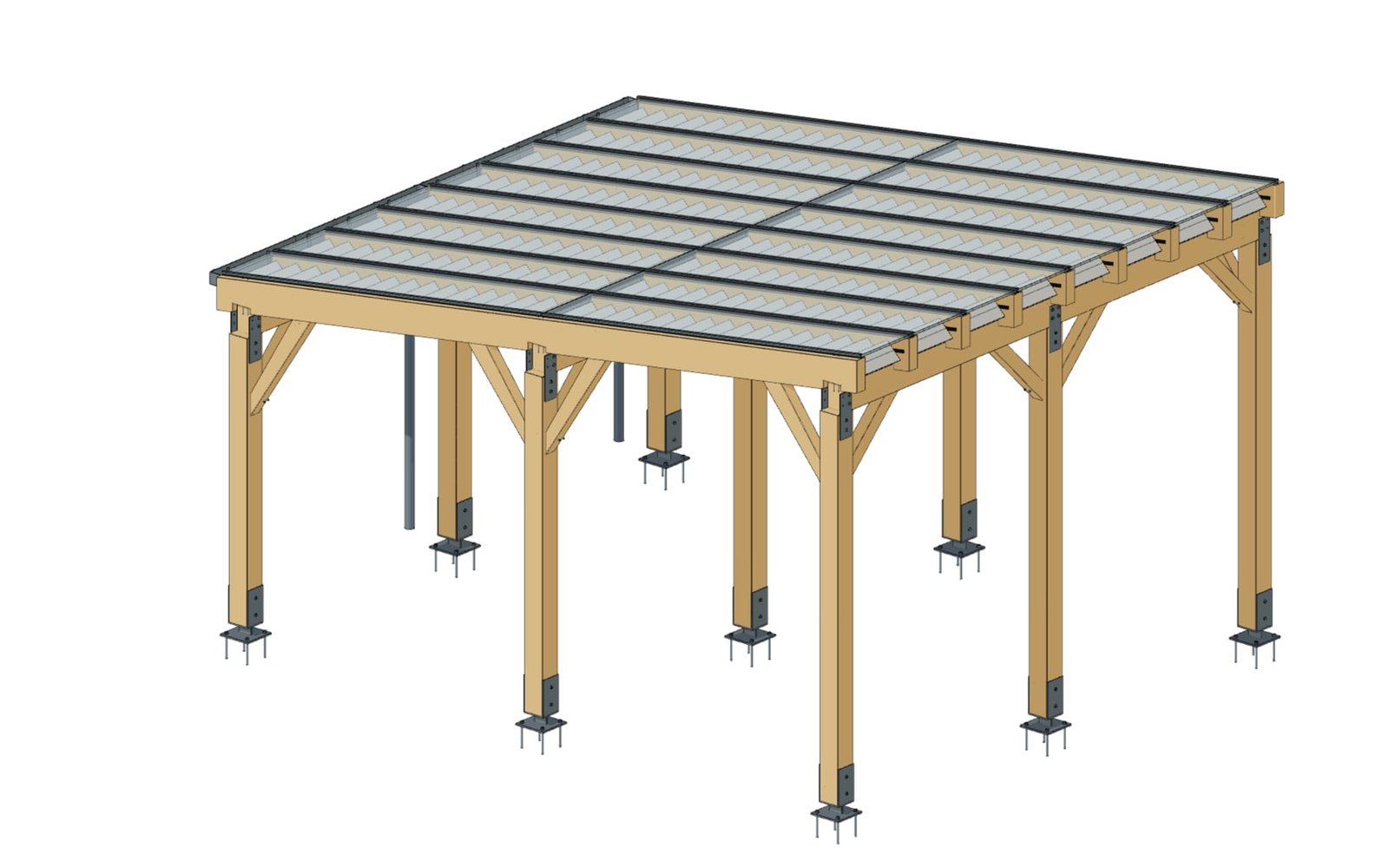
Timber carport
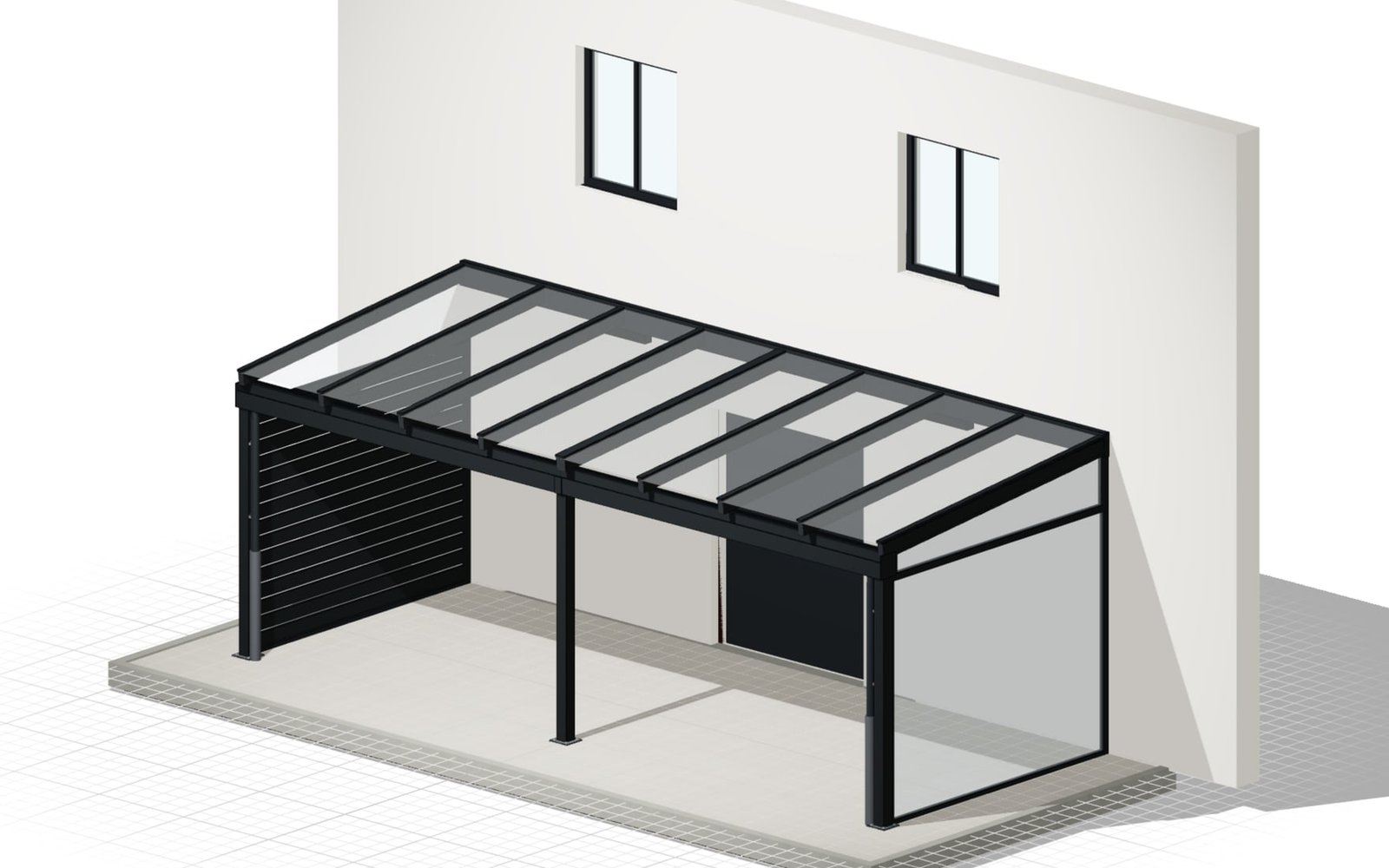
Patio roof configurator
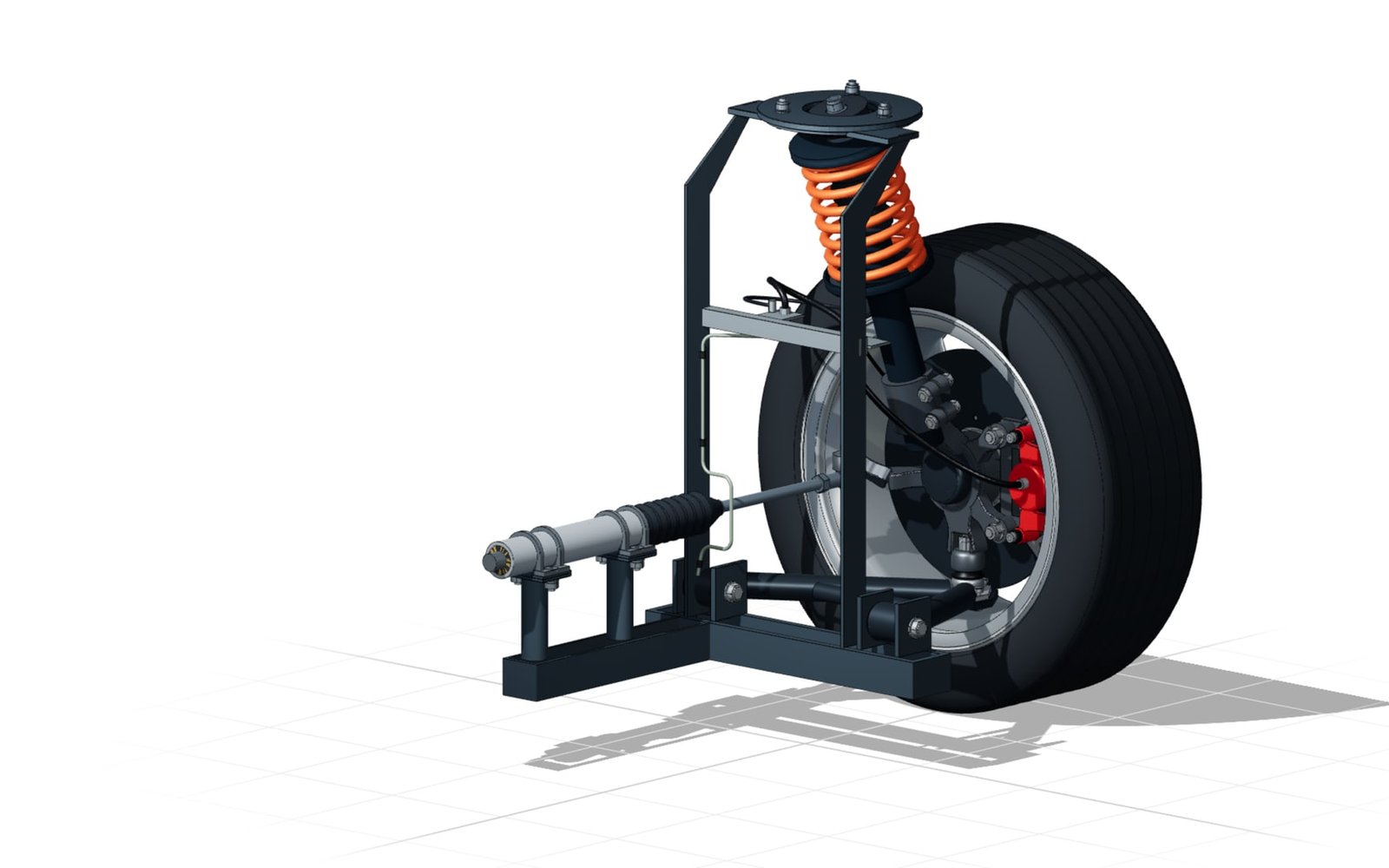
MacPherson front axle module
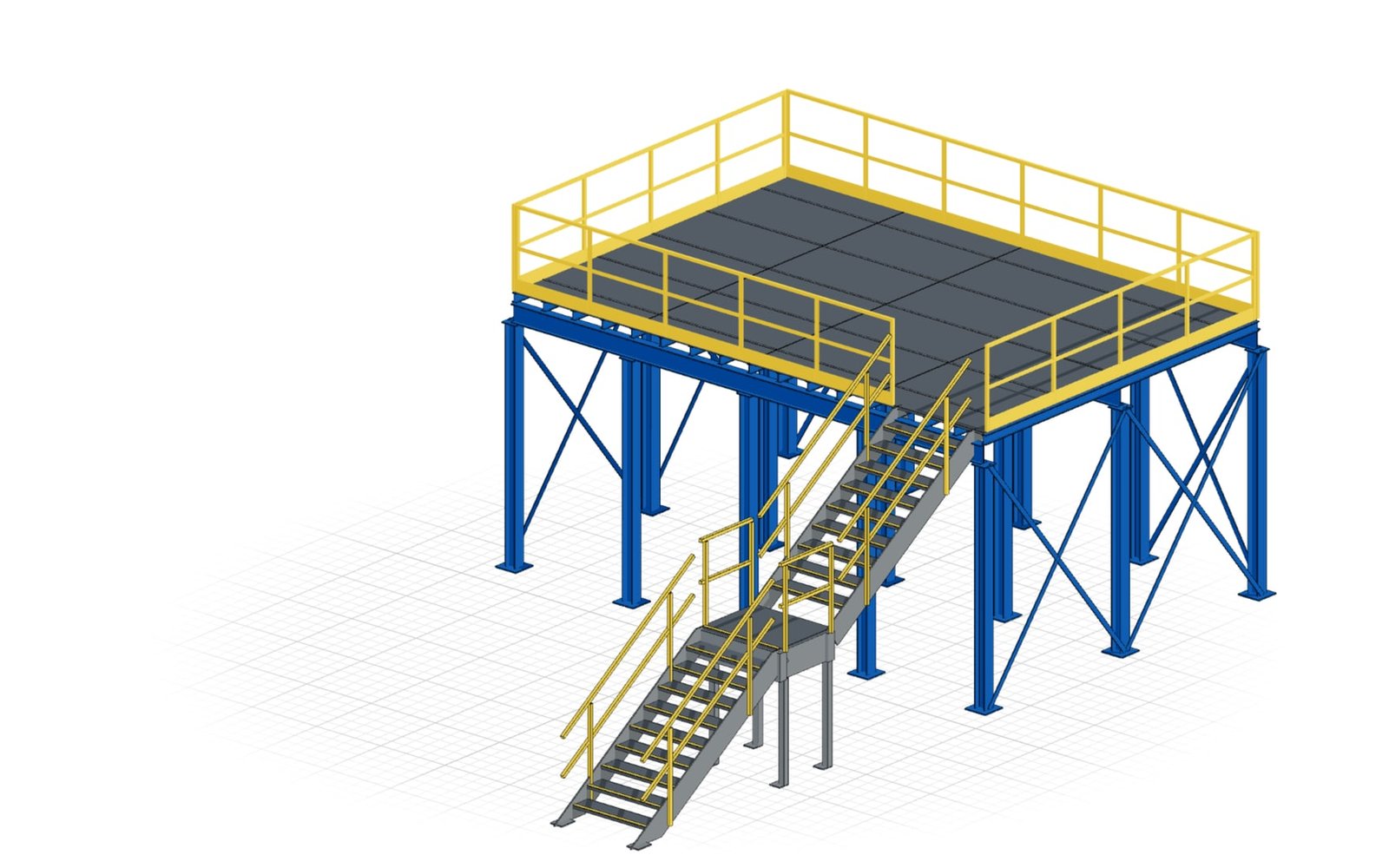
Industrial platform, 4 × 2 bays
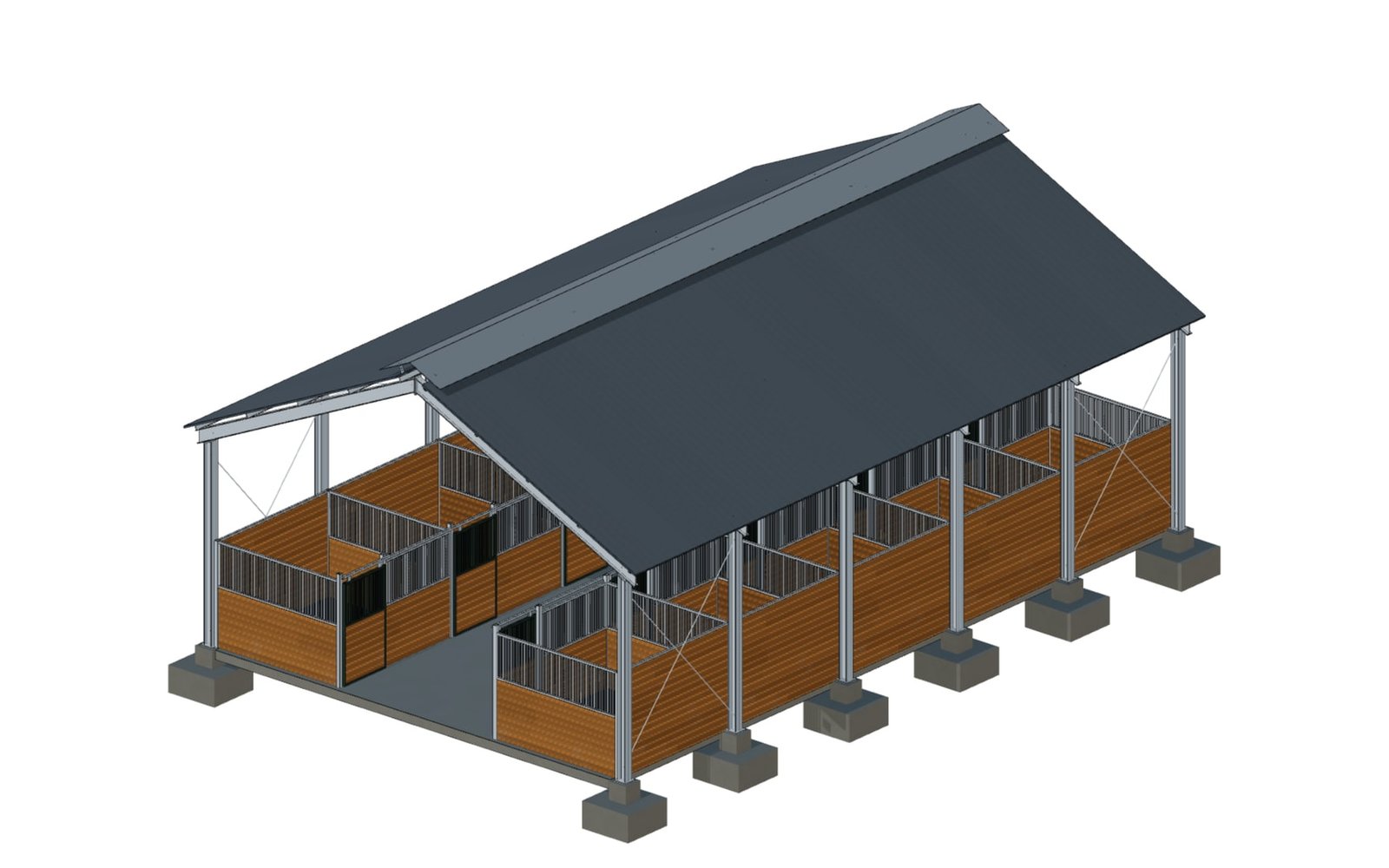
Horse stable on a steel frame
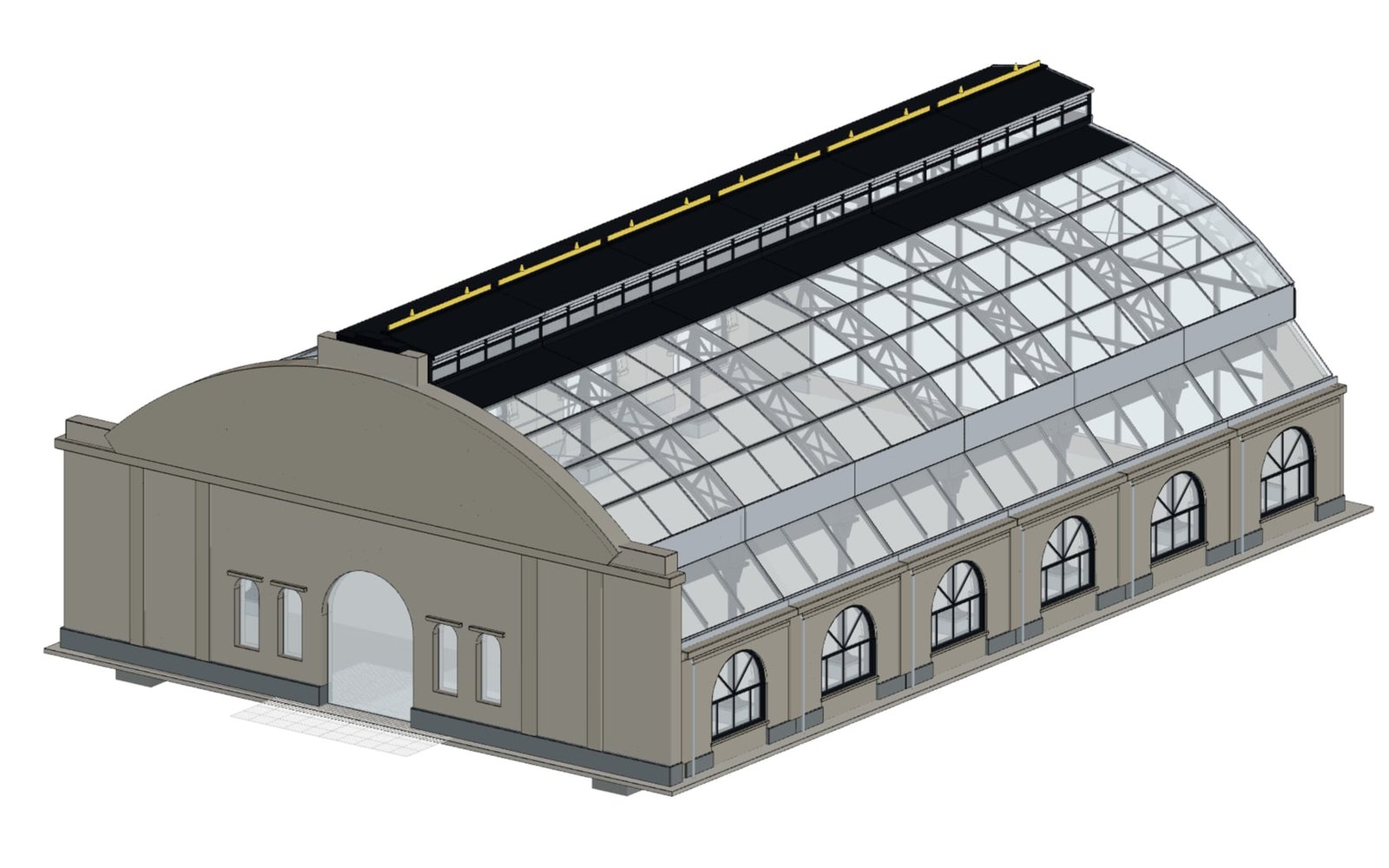
Glass-vaulted market hall
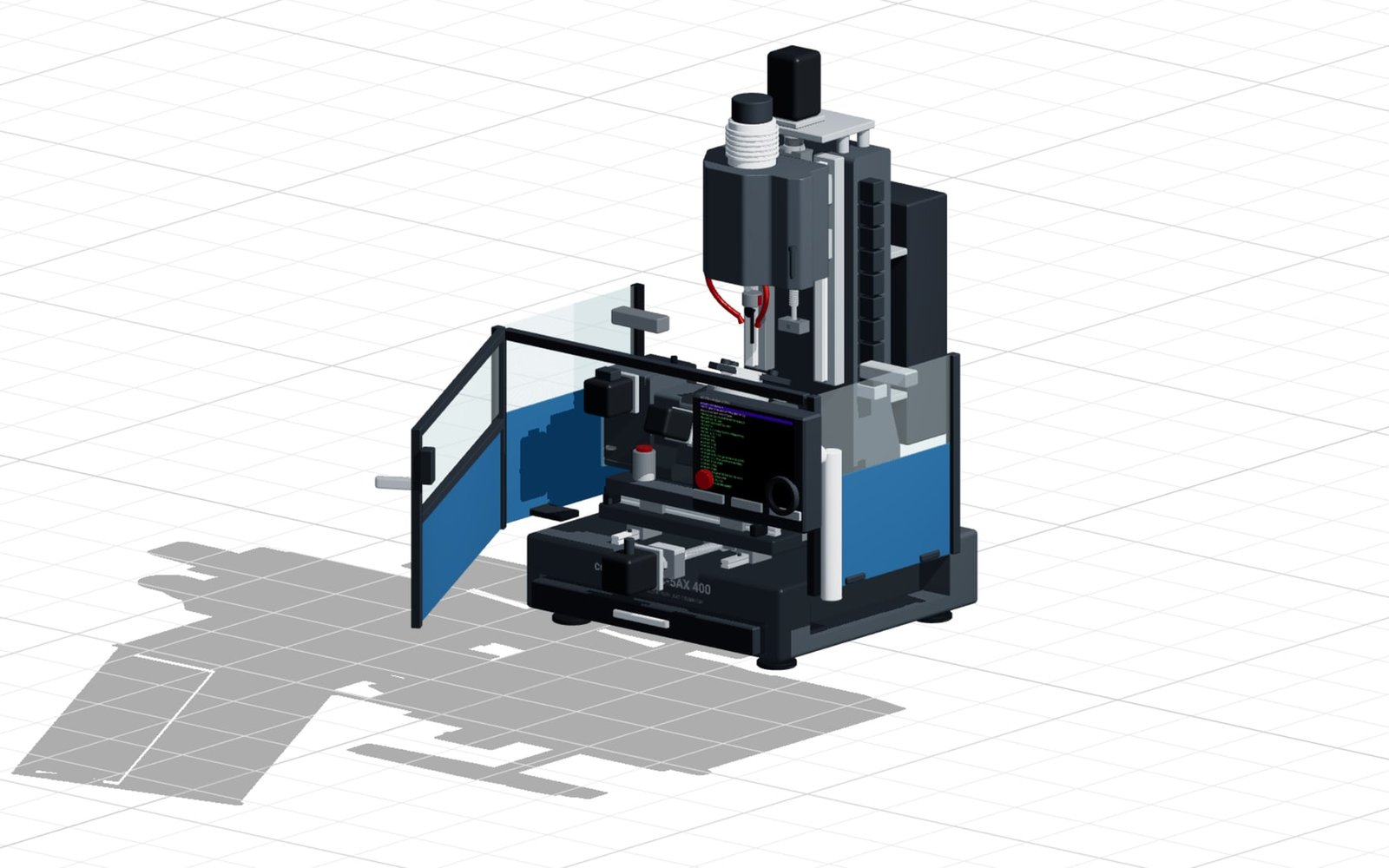
5-axis trunnion CNC
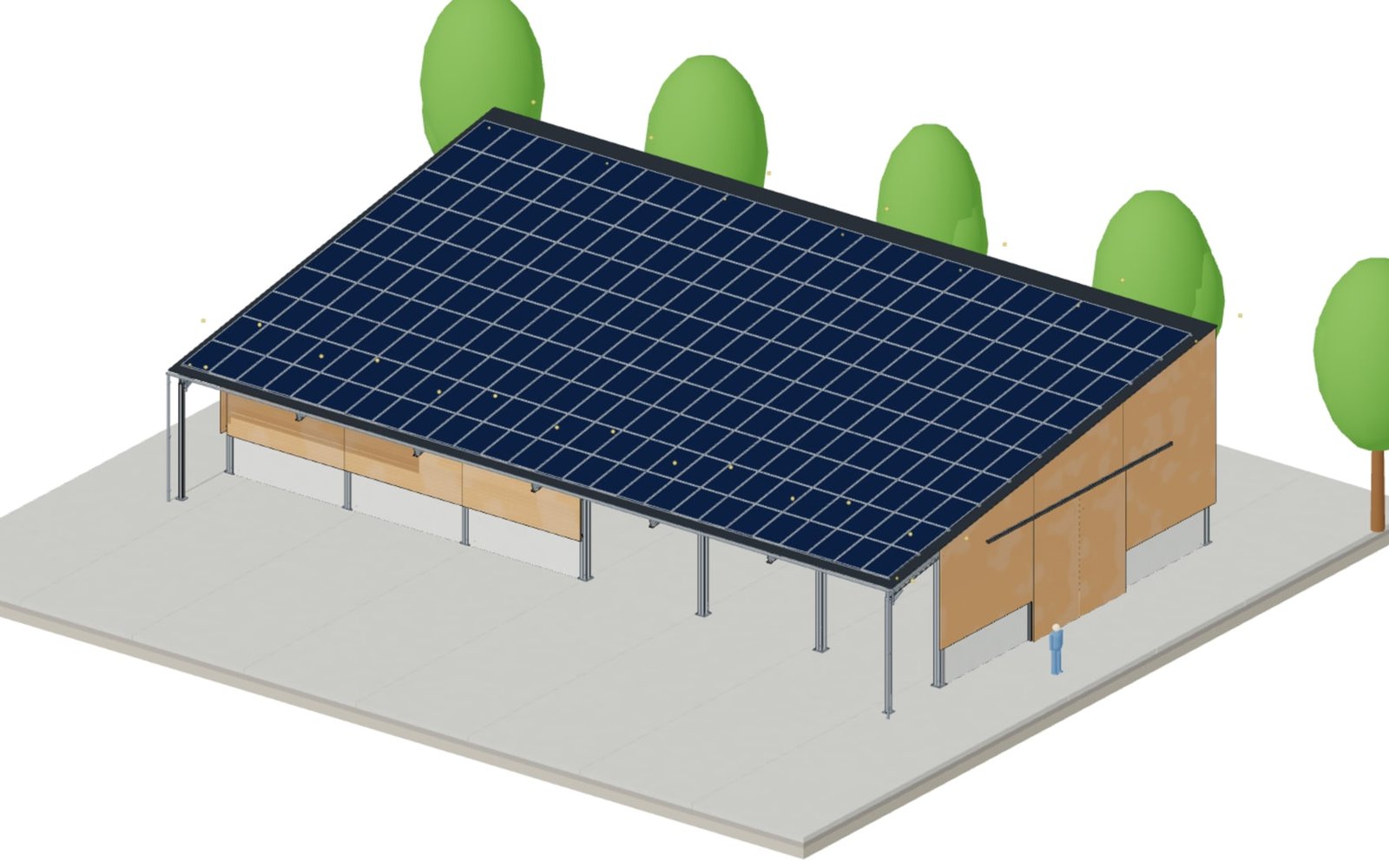
Agricultural hall with PV roof
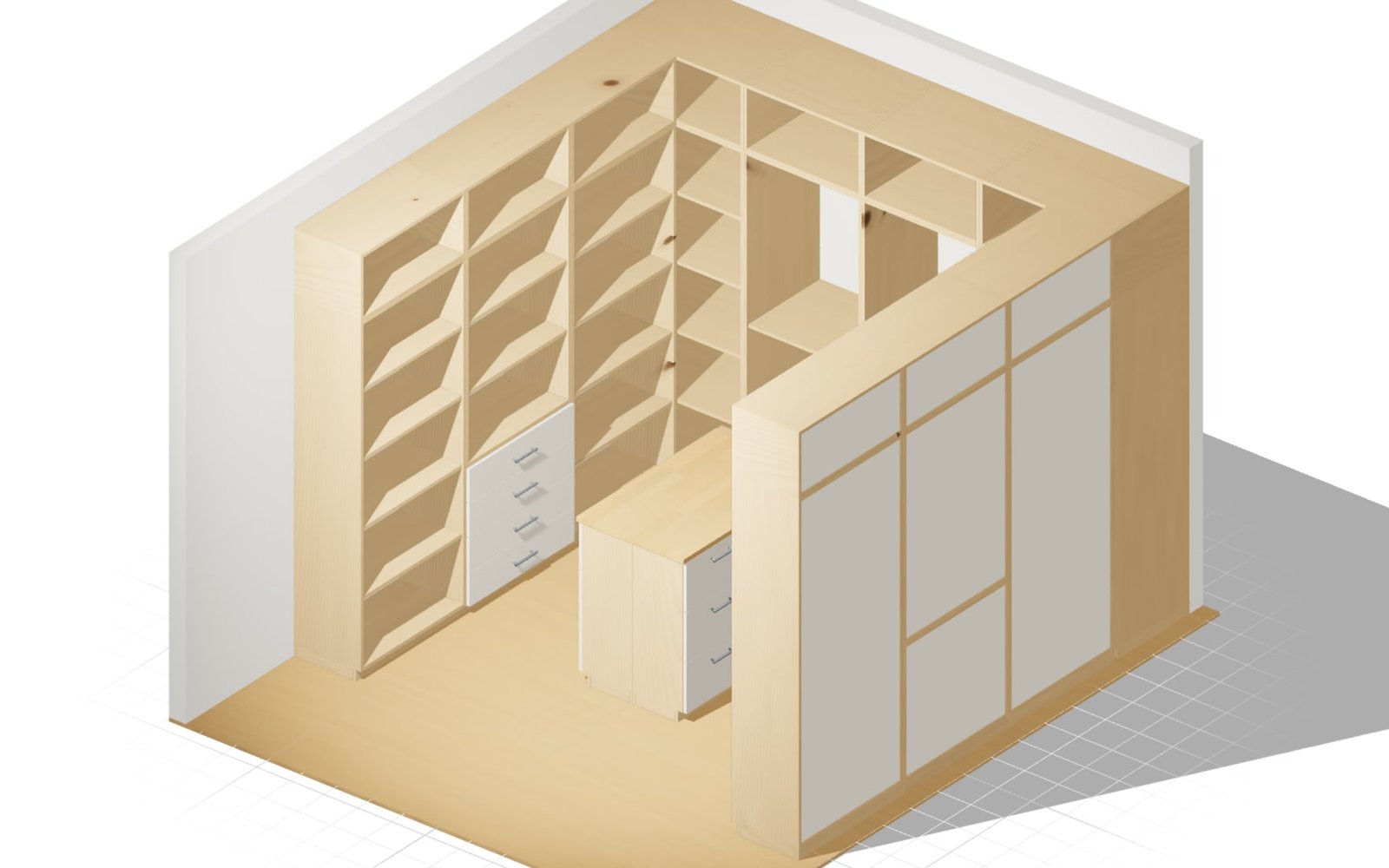
Walk-in wardrobe to measure
One model. From browser to production.
- Build parametric 3D models online
- Publish as a configurator – no installation
- Quote, BOM, CAD and drawings from one source
3D configurators
with an AI-native CAD engine
Visible rules, deterministic geometry, and a purpose-built 3D engine for AI, browser performance, and manufacturing handoff.
- Structured parameters for AI-generated and manually editable models
- WebGL acceleration, BVH-CSG, and intelligent geometry caching
- Deterministic results instead of opaque AI geometry
- B-Rep STEP, BOMs, drawings, and manufacturing data from one model
Built for AI
A structured API and AI-friendly parameter system make models programmatically generatable, editable, and analyzable.
Fast in the Browser
Geometry reuse and hardware acceleration keep complex assemblies interactive.
Built for every industry
From engineering to education, confBuild powers 3D workflows across sectors

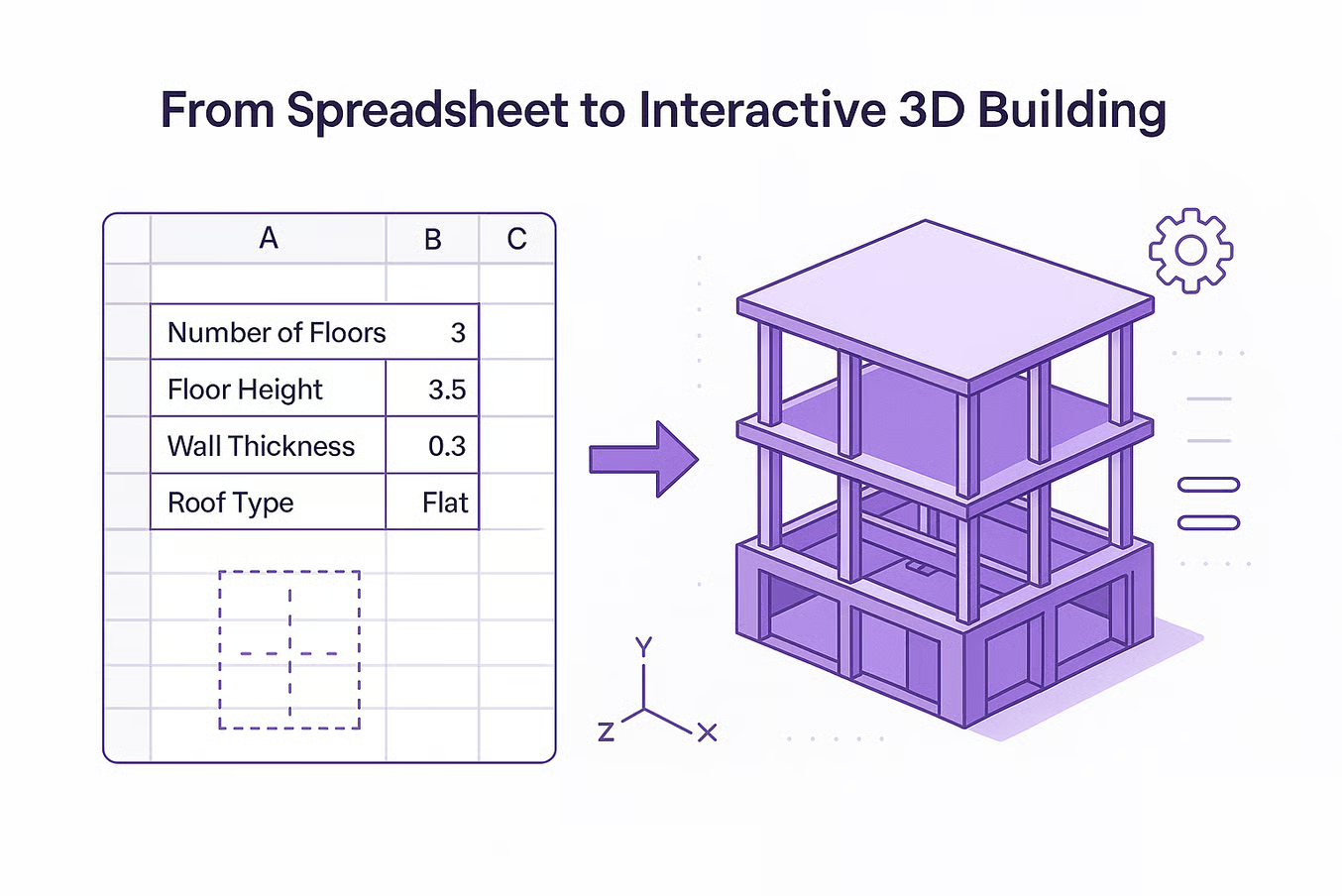



All the way to your ERP. No retyping.
Release the displayed BOM positions as a fixed snapshot, with JSON, CSV and optional PDF, STEP or DXF attachments. Your ERP integrator retrieves the package through the REST API.
- Bills of materials as JSON and CSV
- Immutable releases with related files
- Revocable API access scoped to one project
REST API available. ERP-specific mapping and import are implemented with your integration partner within an agreed pilot scope.
One released snapshot. One clear handover.
- Configure the model and review its BOM
- Release a handover package in confBuild
- Retrieve data and documents through the API
- Map and process the data in your ERP
The released package stays unchanged while you design the next variant.
Ready to build your first configurator?
From AI to CAD to production — start building now
Try It Now