Engineering

Engineering

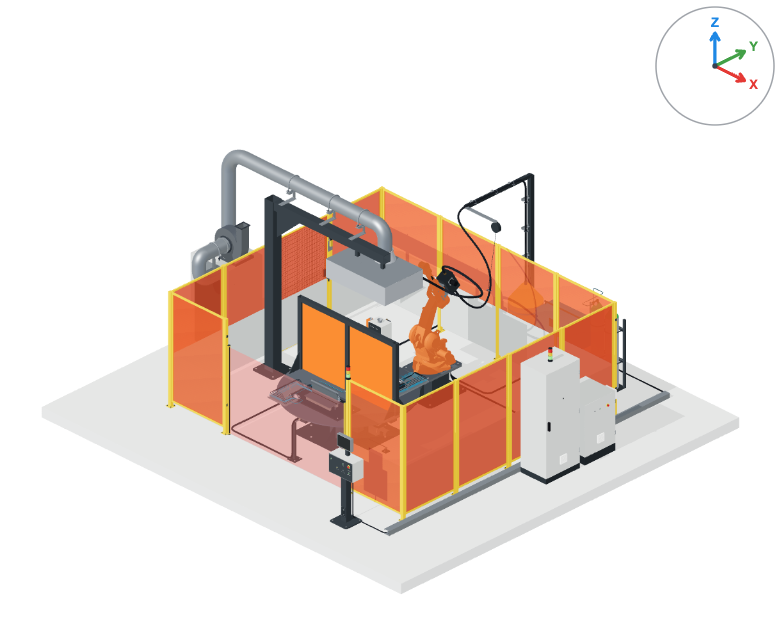
AI generates parametric designs. FEM validates structural integrity. Manufacturing exports close the loop. Configure complex machinery with micrometer precision.

Configurable engineering assembly with validation and export cards
Minutes not Days
Instant BOM & Pricing
1-Click Export
Capabilities

Engineering configurators that stay connected to production

Engineering teams need more than a visual model. confBuild keeps machine logic, constraints, validation, quoting, and export data connected so every configured result can move forward.

Model the rules Capture dimensions, allowed combinations, interfaces, and manufacturing constraints once.
Validate the result Keep configurations inside structural, geometric, and commercial boundaries.
Hand off cleanly Export geometry, BOM, drawings, and quote data from the same configuration.

One loop from configuration to manufacturing

Define reusable engineering logic, let teams configure safely, and hand off structured outputs without recreating the model.

  1. 01
    Define constraints

    Set rules for assemblies, dimensions, compatibility, and options.

  2. 02
    Configure in 3D

    Let sales or engineering teams explore valid machine and part variants.

  3. 03
    Validate and price

    Check the result against logic, BOM, cost, and export requirements.

  4. 04
    Release outputs

    Generate CAD, drawings, BOM, quote documents, and ERP-ready data.

Handoff

Turn configured machines into release packages

The same model that sales edits can carry engineering rules, BOM logic, CAD exports, and quote context into the next decision.

One approved state Dimensions, options, constraints, and cost drivers stay attached to the chosen variant.
Production-ready files CAD, drawing inputs, BOM rows, and quote data leave from the same configuration.
Less rework Engineering reviews a structured package instead of rebuilding the request from notes.
Turn configured machines into release packages
Capabilities

Engineering Rules That Survive Handoff

Capture the product logic once, then use it for sales configuration, engineering review, quoting, and manufacturing exports.

01

Parametric Assembly Logic

Define dimensions, interfaces, option dependencies, and part relationships so every configured machine or component remains inside the rules your engineers approve.

  • Formula-driven dimensions
  • Compatibility checks
  • Reusable assembly modules
02

Validation Before Release

Keep structural assumptions, clearances, selected materials, and commercial boundaries visible while the model is still being configured.

  • FEM-ready context
  • Clearance and fit checks
  • Variant comparison
03

Connected BOM and Pricing

Tie parts, quantities, supplier items, cost drivers, and selected options to the configured state instead of rebuilding the quote from screenshots.

  • Flat or nested BOMs
  • Quote inputs
  • ERP-ready structure
04

CAD and Drawing Outputs

Generate CAD geometry, drawing inputs, and technical documentation from the same approved variant used during configuration.

  • B-Rep STEP, STL, DXF
  • Drawing context
  • Manufacturing metadata
Outputs

Engineering outputs without rebuilding

Each configured result carries the logic and data needed for the next team.

CAD-ready geometry B-Rep STEP files, STL, DXF, and viewer-ready models generated from the selected variant for manufacturing handoff.
Generated technical BOM Flat or nested parts lists with quantities, options, identifiers, materials, and cut-list context.
Quote package Pricing inputs, selected options, and customer-facing PDF outputs.
Drawing data Dimensioned views and documentation paths for engineering handoff.
Best fit

Best fit

  • Machine builders with repeated assemblies and options
  • Sales engineering teams that need safe self-service configuration
  • Manufacturers that need CAD, BOM, pricing, and drawings from one model
Examples

Engineering Workflows You Can Standardize

Use confBuild where product logic repeats and every configured result needs a clean downstream package.

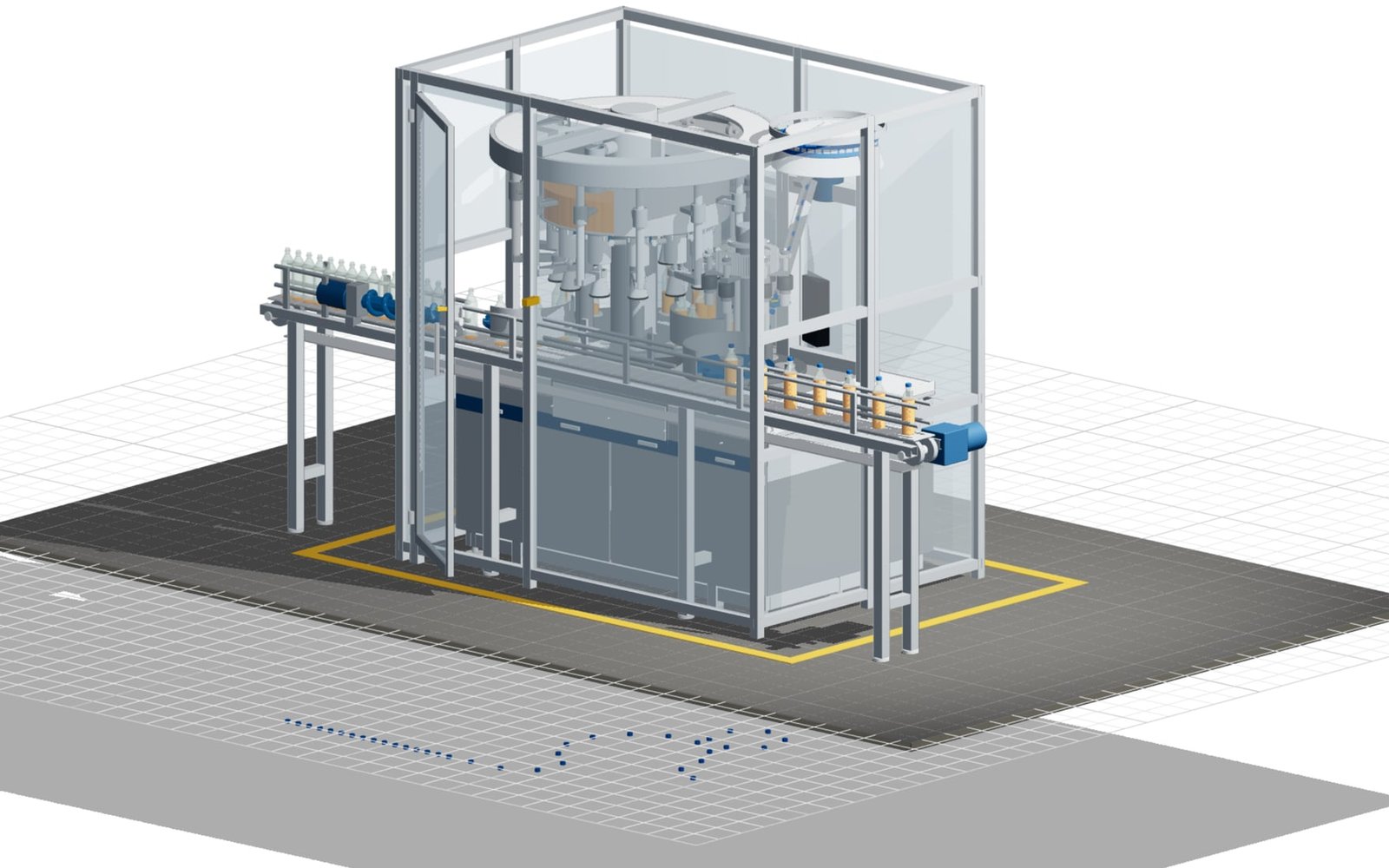
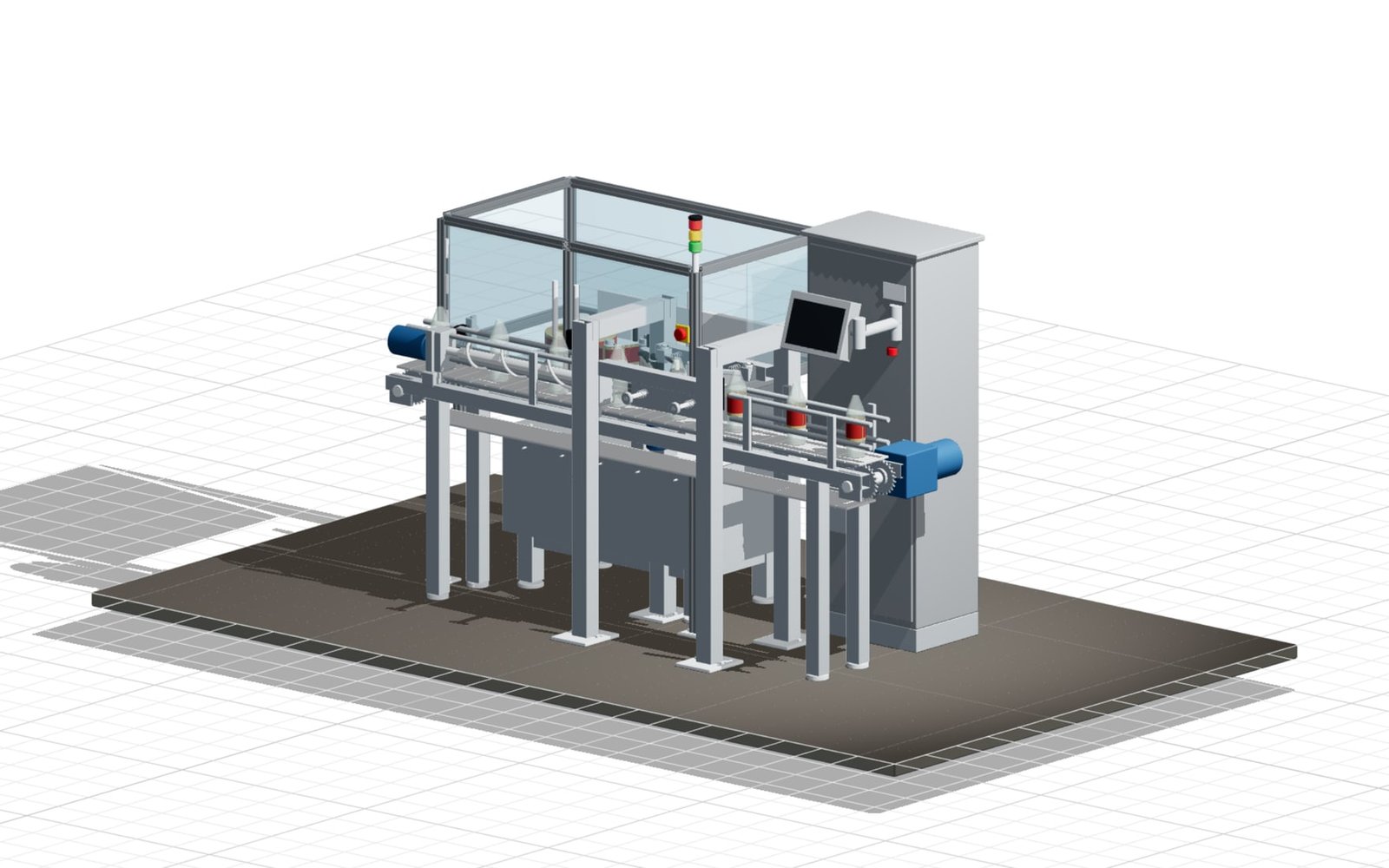
Engineering example: Machine and Assembly Configurators

Machine and Assembly Configurators

Let sales engineering configure valid machine variants while preserving dimensions, selected modules, BOM structure, and export files.

AssembliesBOMCAD export
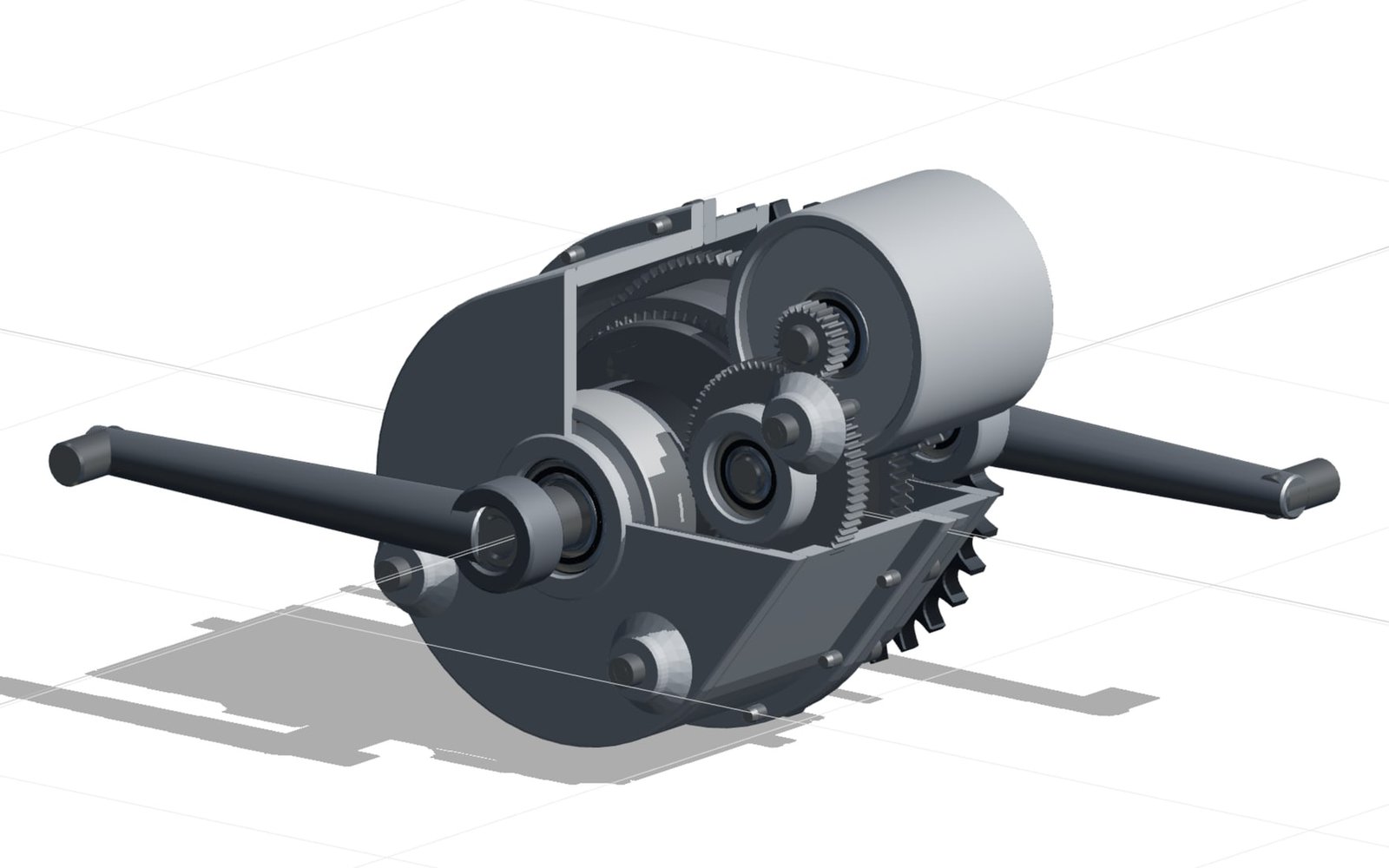
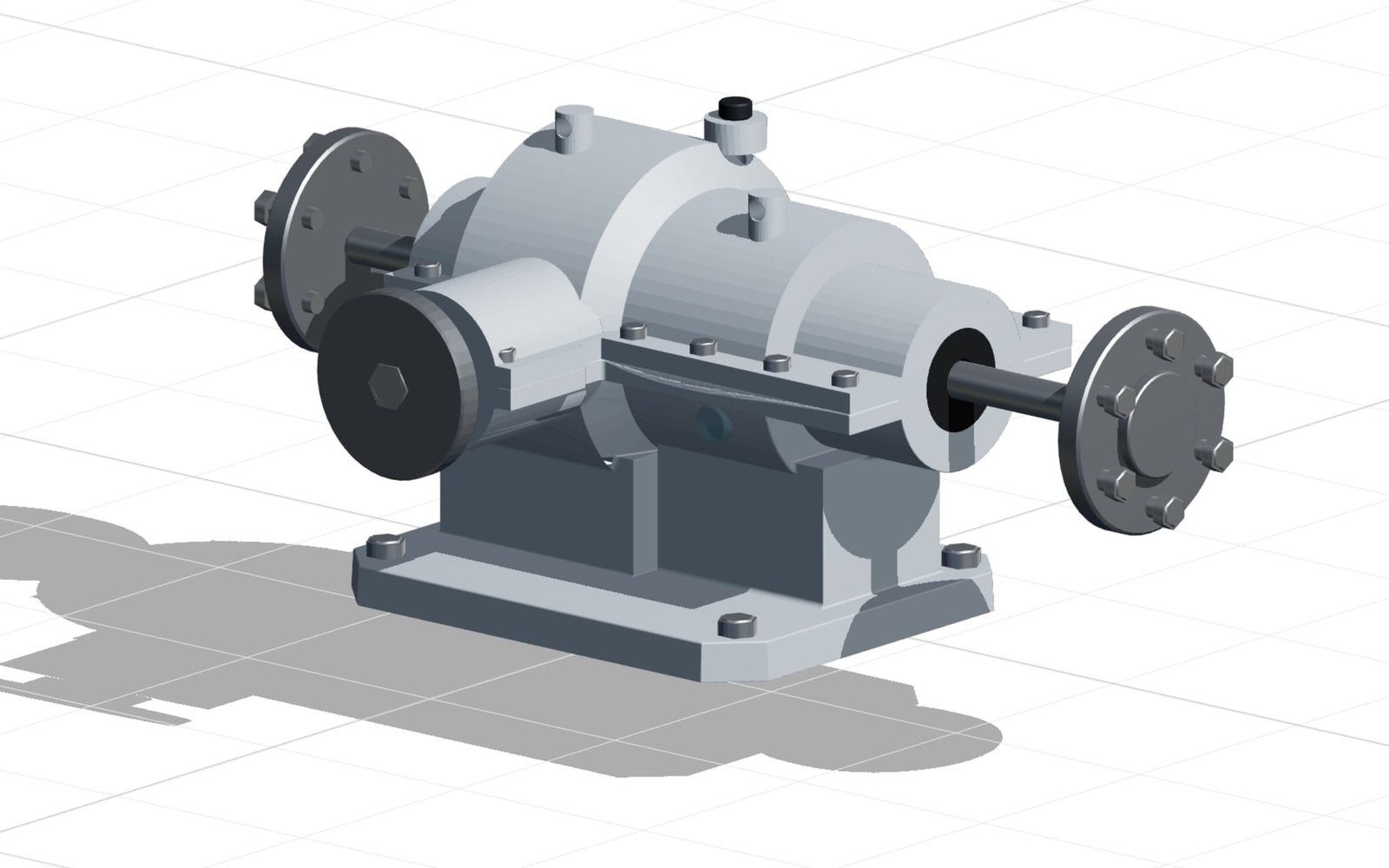
Engineering example: Validated Mechanical Parts

Validated Mechanical Parts

Generate part families, compare variants, keep validation context attached, and release the selected geometry for review or production.

FEMSTEPPart families
Engineering example: Handoff Packages

Handoff Packages

Bundle model state, pricing inputs, documentation references, and production outputs from the same approved configuration.

Quote dataDrawingsERP

Ready to transform your sales process?

Join leading engineering firms using confBuild today.