AI-Native CAD Engine
Built for AI integration, FEM simulation, B-Rep STEP export, generated BOMs, and manufacturing-grade handoff.
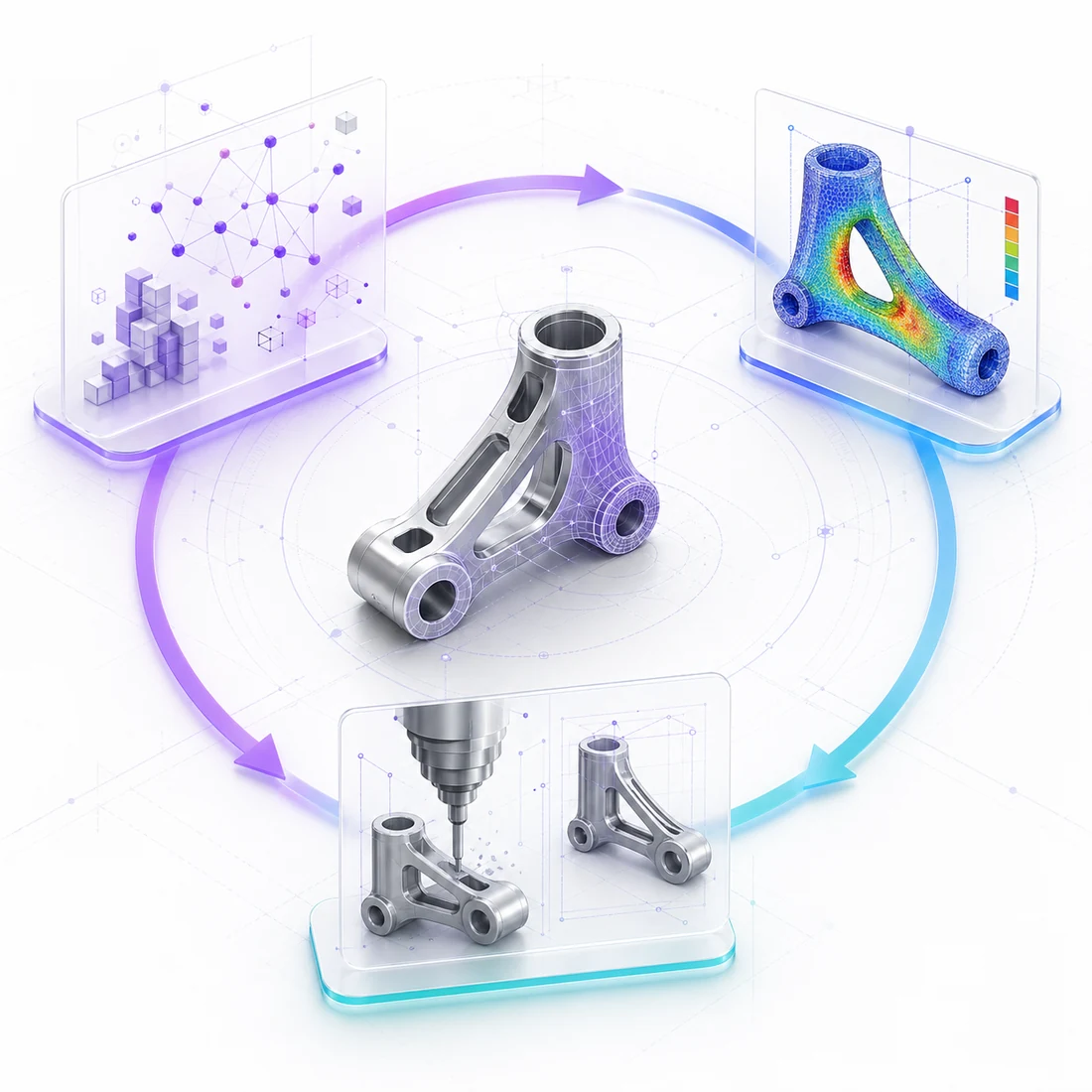
A CAD Engine Built for the AI → Simulation → Manufacturing Loop
confBuild was built from the ground up for the closed loop: AI generates geometry, FEM validates it, manufacturing constraints enforce producibility — modelling in the browser, FEM in the cloud, one continuous model.
Optimized for Speed
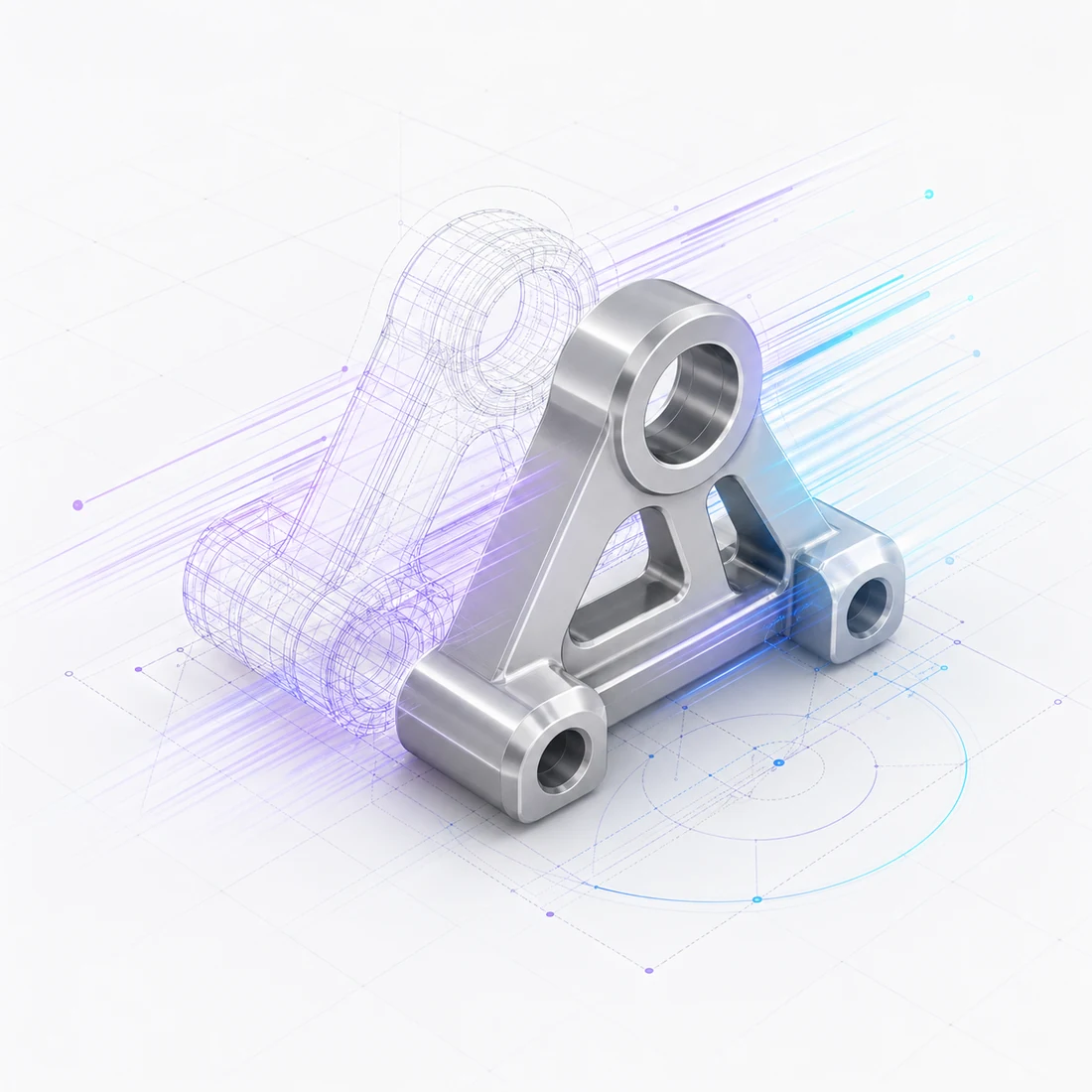
Our CAD engine uses WebGL acceleration, efficient memory management, and geometry caching so complex models render smoothly in your browser.
- WebGL-accelerated rendering with THREE.js
- Efficient Boolean operations with BVH-CSG
- Smart geometry caching and reuse
- Optimized memory management
- Interactive framerates even with complex models
Built for AI Applications
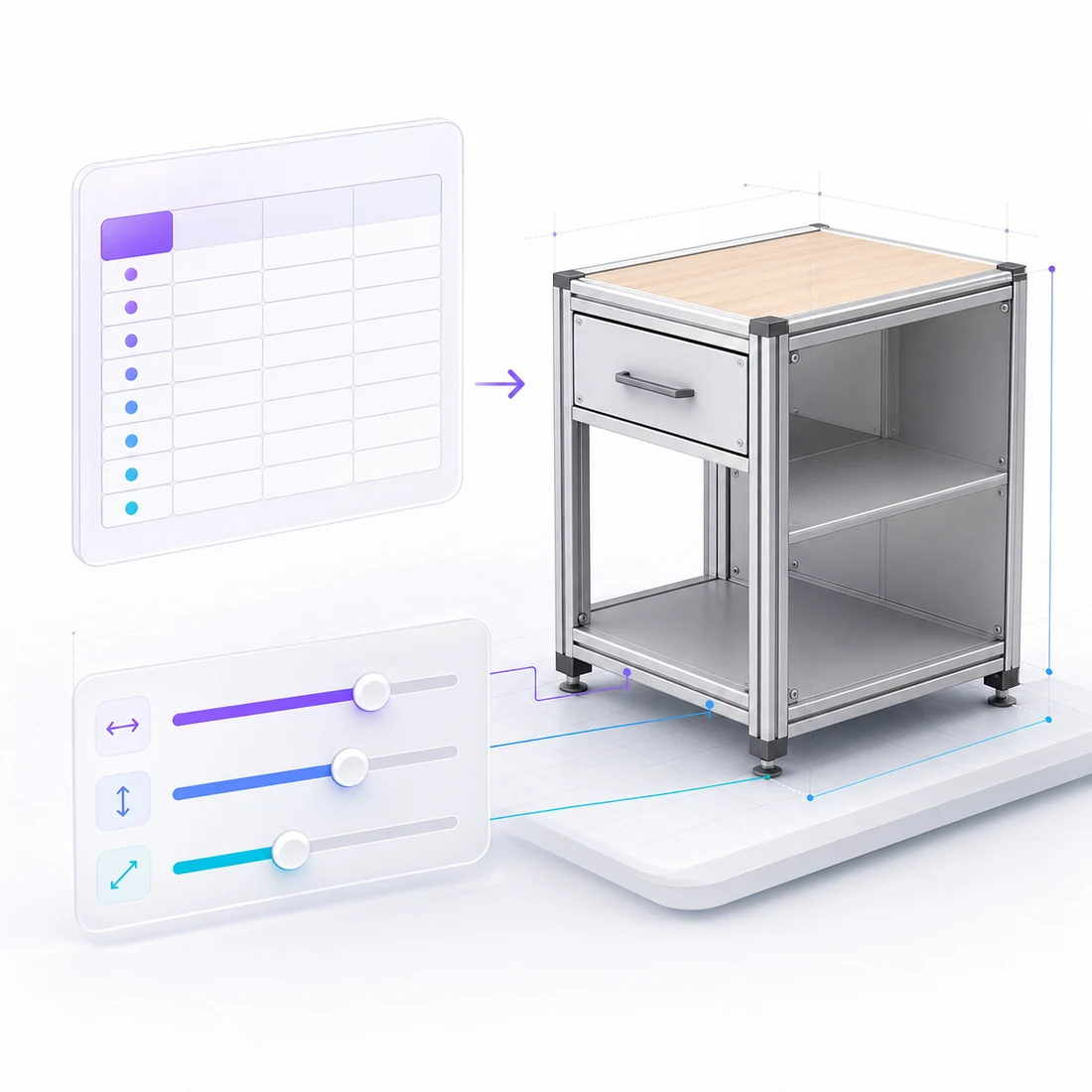
The CAD engine is designed with AI integration at its core. A clean, structured API enables AI systems to generate, modify, and analyze 3D models programmatically. Perfect for automated design generation and intelligent optimization.
- Structured spreadsheet-based data model
- Predictable, deterministic outputs
- Clean API for programmatic access
- Natural language to 3D model pipeline
- AI-friendly parameter system

Easy to Use
Despite its power, the CAD engine is remarkably simple to work with. The spreadsheet-based approach means anyone familiar with Excel can create sophisticated 3D models without learning complex CAD software.
- Familiar Excel-like interface
- No programming required
- Intuitive parameter controls
- Real-time visual feedback
- Comprehensive documentation
Technical Highlights
The engine behind AI → CAD → Production
Parametric Modeling
Create models with dynamic parameters that update in real-time.
Boolean Operations
Union, subtract, and intersect geometries with optimized BVH-CSG.
30+ Primitives
Cubes, cylinders, tubes, extrusions, I-beams, and many more shapes.
Multi-Format Export
Export to STL, 3MF, GLTF, STEP, DXF, IFC, and more formats.
Browser-Based
No installation required. Works in any modern web browser.
Scripting API
VBA-like scripting for advanced automation and custom logic.
Production-Ready Exports
From browser to manufacturing floor — every export format your production pipeline needs
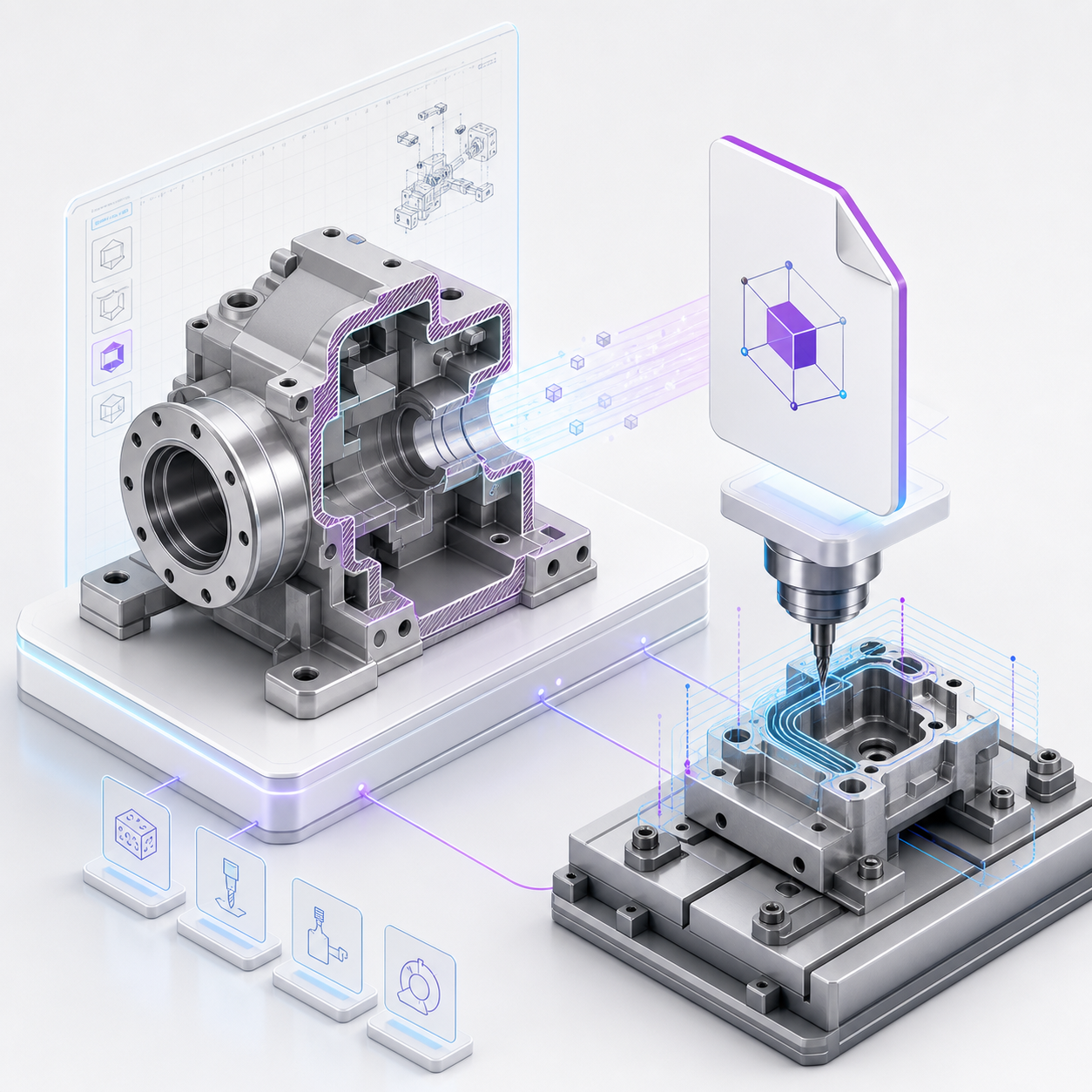
B-Rep STEP Export for CAD & Manufacturing
Export your parametric models as B-Rep STEP (ISO 10303) files - the universal exchange format for professional CAD software. STEP files preserve precise solid geometry and topology, making them ready for CNC machining, injection molding, supplier handoff, and further engineering in tools like SolidWorks, Fusion 360, or FreeCAD.
- ISO 10303 compliant STEP AP214 output
- Preserves exact geometry and topology (B-Rep)
- Compatible with all major CAD systems
- Ready for CNC, laser cutting, and injection molding workflows
- Individual parts or full assembly export
IFC Export for Building Information Modeling
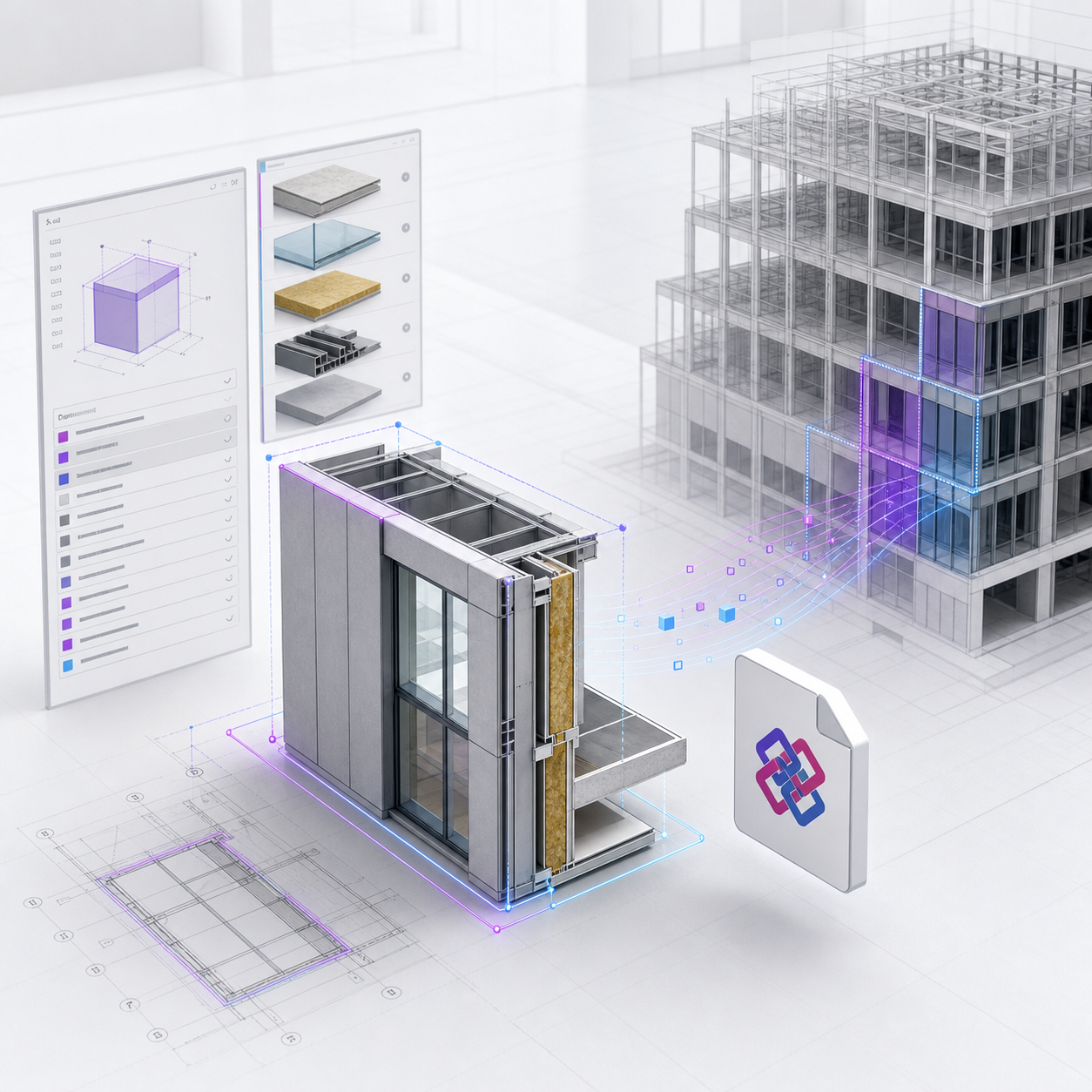
Generate IFC (Industry Foundation Classes) files directly from your configurator. Architects and construction professionals can import confBuild models into Revit, ArchiCAD, or any IFC-compatible BIM platform. Ideal for parametric building components, facades, structural elements, and MEP parts.
- IFC 2x3 / IFC 4 compatible output
- Embed material and property data
- Works with Revit, ArchiCAD, Tekla, and more
- Parametric building components ready for BIM workflows
- Supports structural, architectural, and MEP elements
Complete Export Pipeline
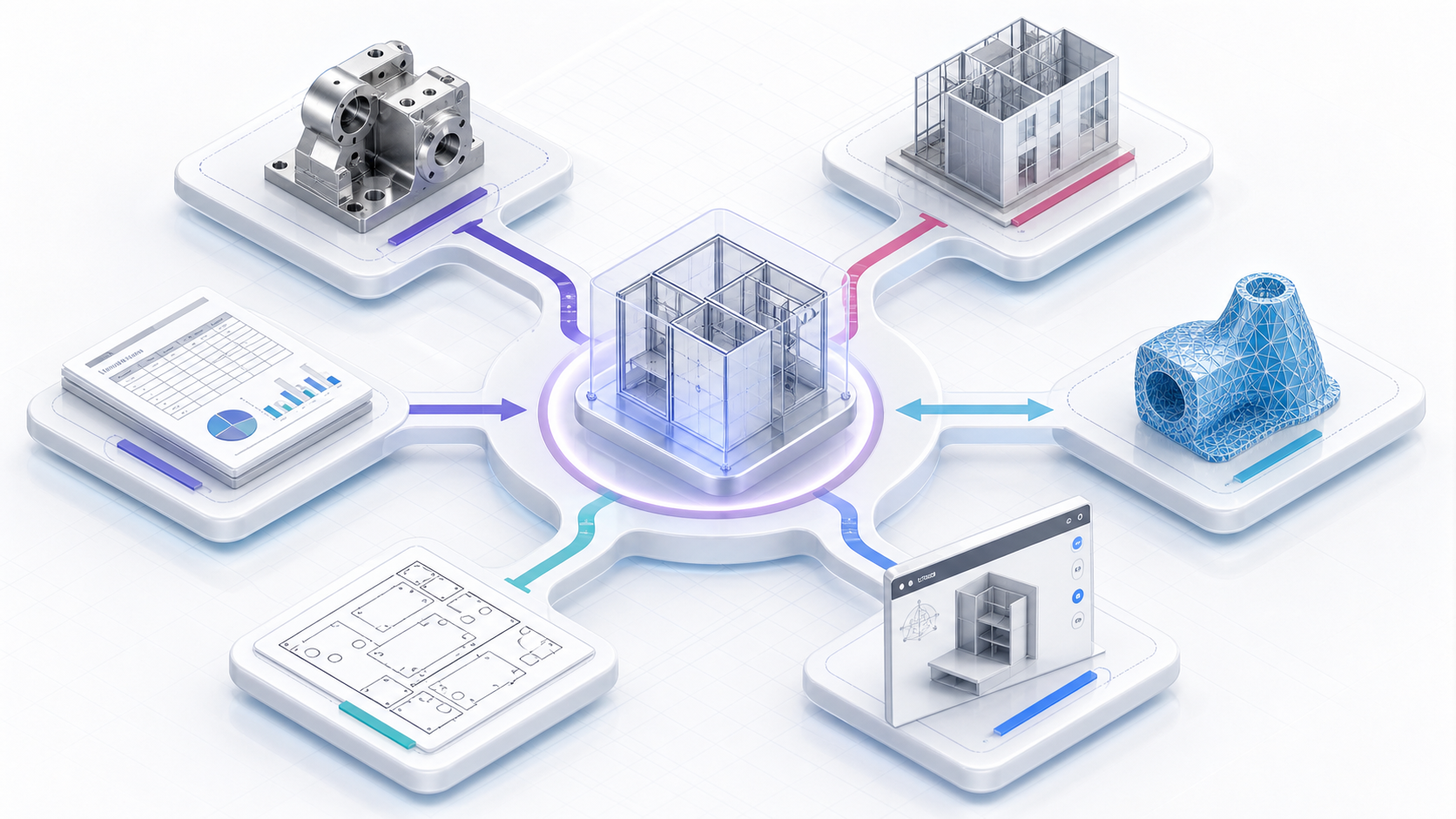
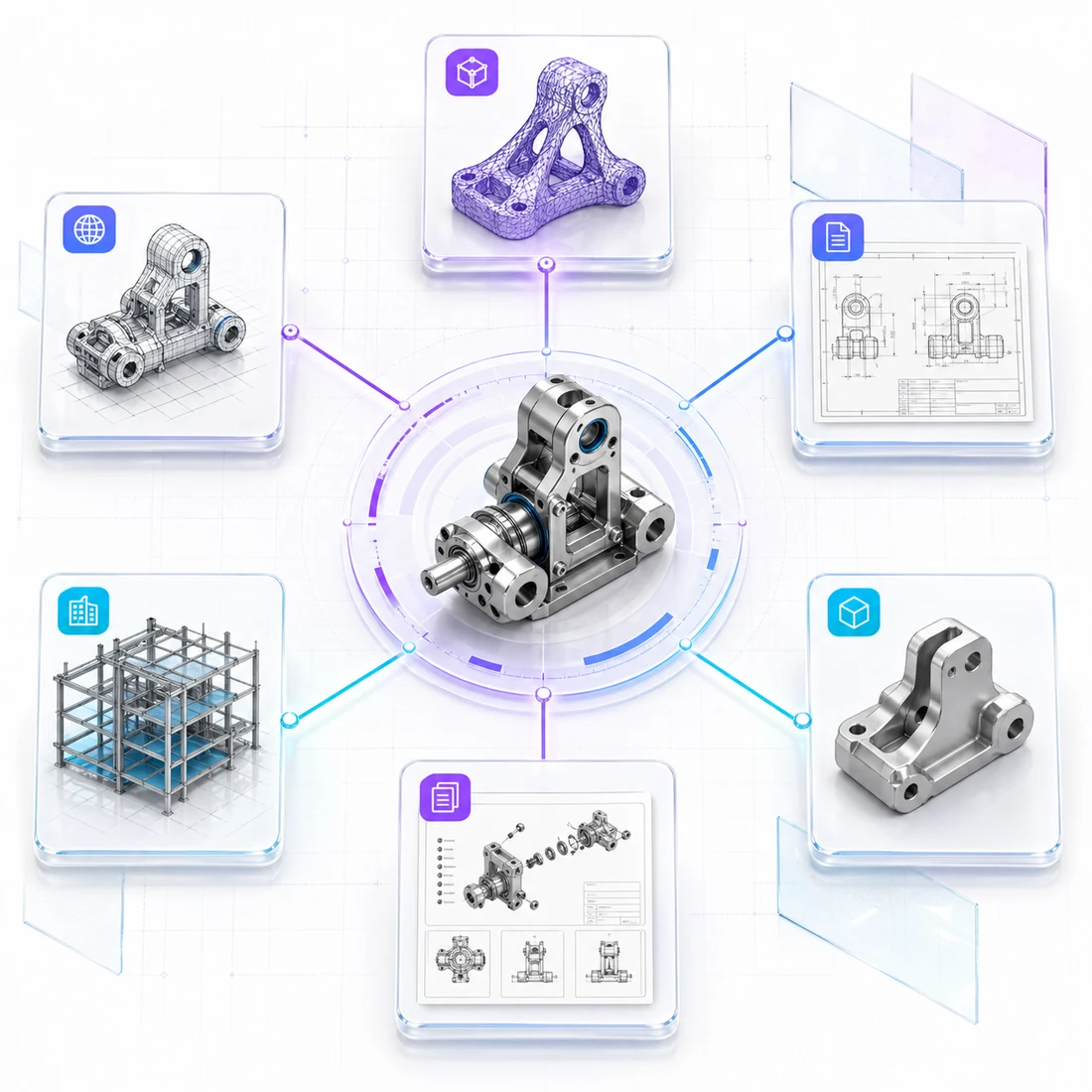
Beyond STEP and IFC, confBuild supports a full range of 3D export formats. Whether you need mesh files for 3D printing, optimized assets for the web, or engineering drawings, the right format is always available.
- STEP / STP for precise B-Rep solids in mechanical CAD and manufacturing handoff
- IFC for BIM objects, spatial structure, materials, and property sets
- STL and 3MF for mesh-based 3D printing and prototyping workflows
- glTF / GLB for fast web viewers, embedded configurators, materials, and animations
- DXF for 2D profiles, drawings, laser cutting, routing, and panel layouts
- PDF, CSV, and BOM exports for documentation, quantities, labels, and approvals
Geometry-first formats
STEP, STL, 3MF, glTF, and DXF all carry geometry, but at different levels of precision. STEP keeps CAD solids, mesh formats keep triangles, and DXF keeps 2D curves and outlines.
Data-first formats
IFC, BOM, CSV, and reports carry structured project data around the geometry: classes, properties, materials, quantities, selected options, and approval context.
Best practice
For production handoff, combine formats. A supplier may need STEP for the part, DXF for cut profiles, and a BOM or CSV file for quantities and selected configuration data.
Bill of Materials from the Same Model
Generate BOMs alongside geometry exports so manufacturing teams receive both the part data and the manufacturable model. Quantities, selected options, identifiers, materials, and cut-list data stay connected to the approved configuration.
- Flat or nested BOM structures
- Part numbers, quantities, options, and material fields
- Cut lists for extrusion, panel, and fabrication workflows
- Consistent handoff package with B-Rep STEP files
Ready to close the loop?
Design, simulate, and export for manufacturing - all in your browser
Get Started