B-Rep STEP Export
Move from a configured browser model to a precise CAD file that downstream engineering and production teams can use.
Precise STEP files from the same model your customer configured
confBuild connects parametric rules, geometry, materials, and selected options before export. The result is a STEP handoff that fits CAD, supplier, and production workflows without manually rebuilding the approved variant.
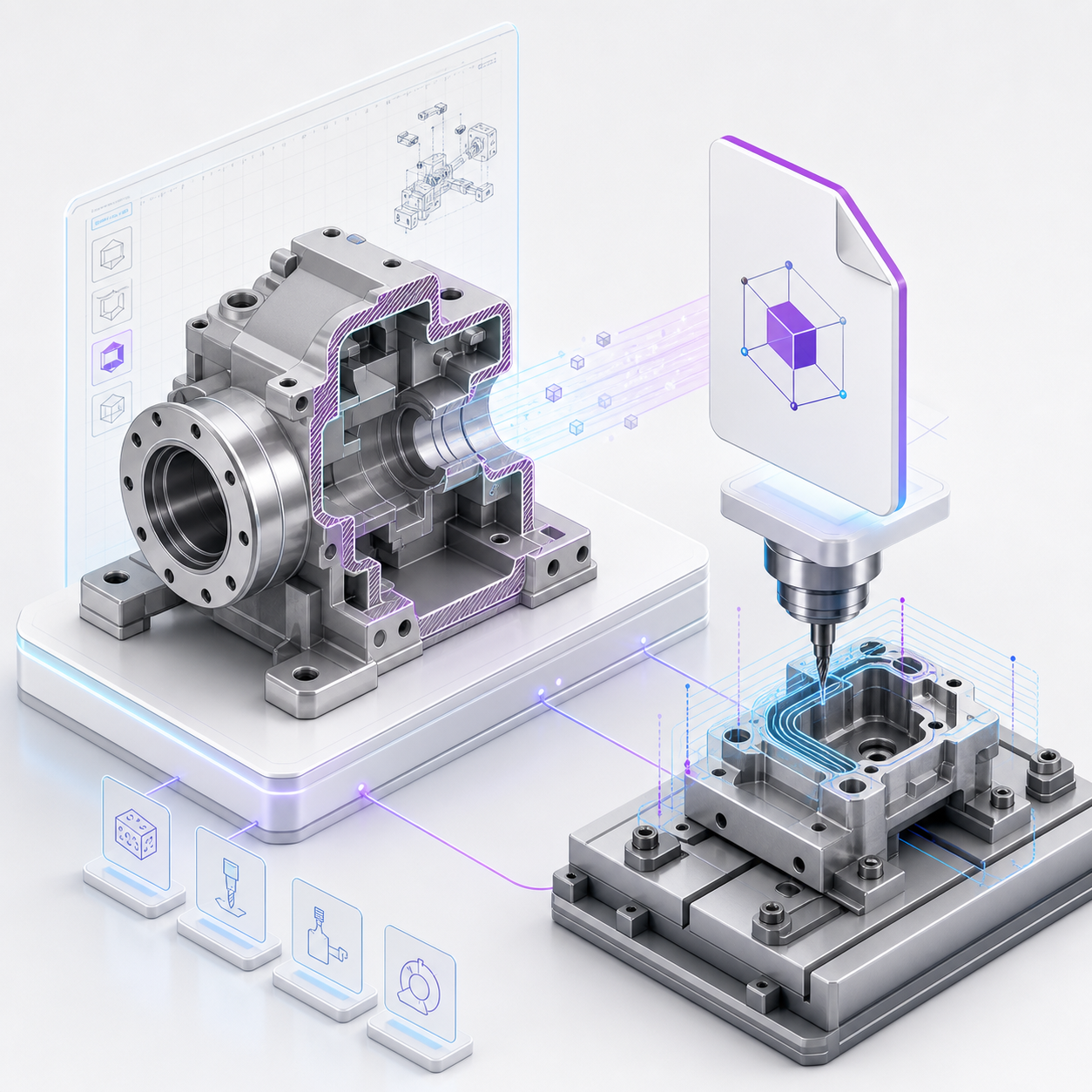
From spreadsheet parameters to B-Rep solids
STEP export uses the configured model state, not a separate drawing or static approximation. Dimensions, formulas, selected options, and boolean features feed the final CAD geometry.
- Export the approved configuration state
- Preserve solid geometry and topology for CAD reuse
- Keep dimensions, materials, and part names traceable
- Use consistent units for engineering and production handoff
Assemblies and parts for real handoff
Export a single configured part or a full assembly package. STEP files can travel with generated BOMs, cut lists, quotes, and documentation so production teams receive geometry and context together.
- Individual part and complete assembly export
- Part names and selected variants carried into the handoff
- Works alongside generated BOMs and cut-list data
- Useful for CNC, fixture design, supplier review, and downstream CAD refinement
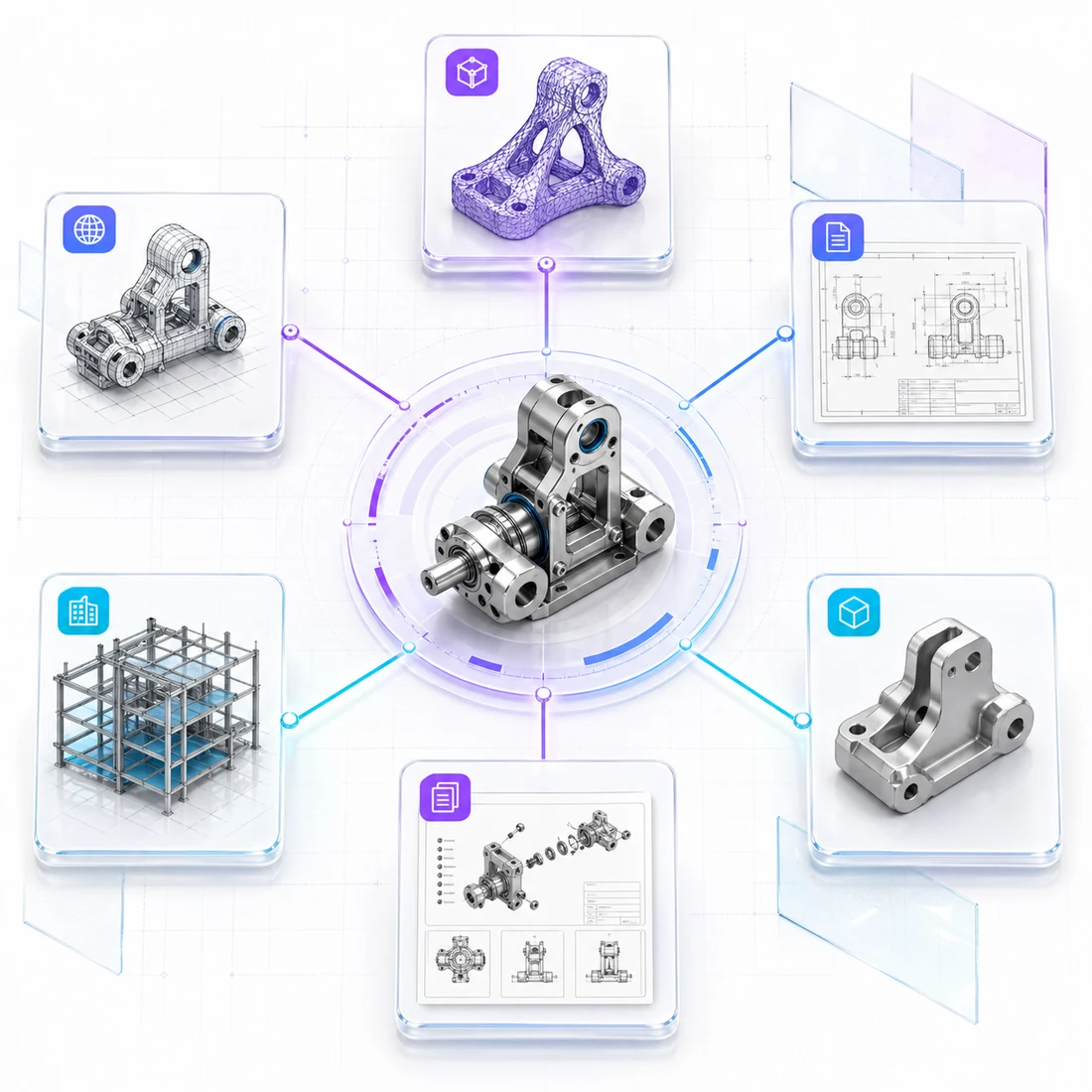
Compatible with professional engineering tools
STEP is the common exchange format for engineering teams, suppliers, and manufacturing partners. A configured confBuild result can be imported into established CAD environments for review, detailing, and process planning.
- STEP AP214 output based on ISO 10303 workflows
- Import paths for SolidWorks, Fusion 360, FreeCAD, Onshape, and similar CAD systems
- Downstream editing, measurement, collision checks, and CAM preparation
- Clean handoff from sales configurator to engineering process

How STEP compares to other export formats
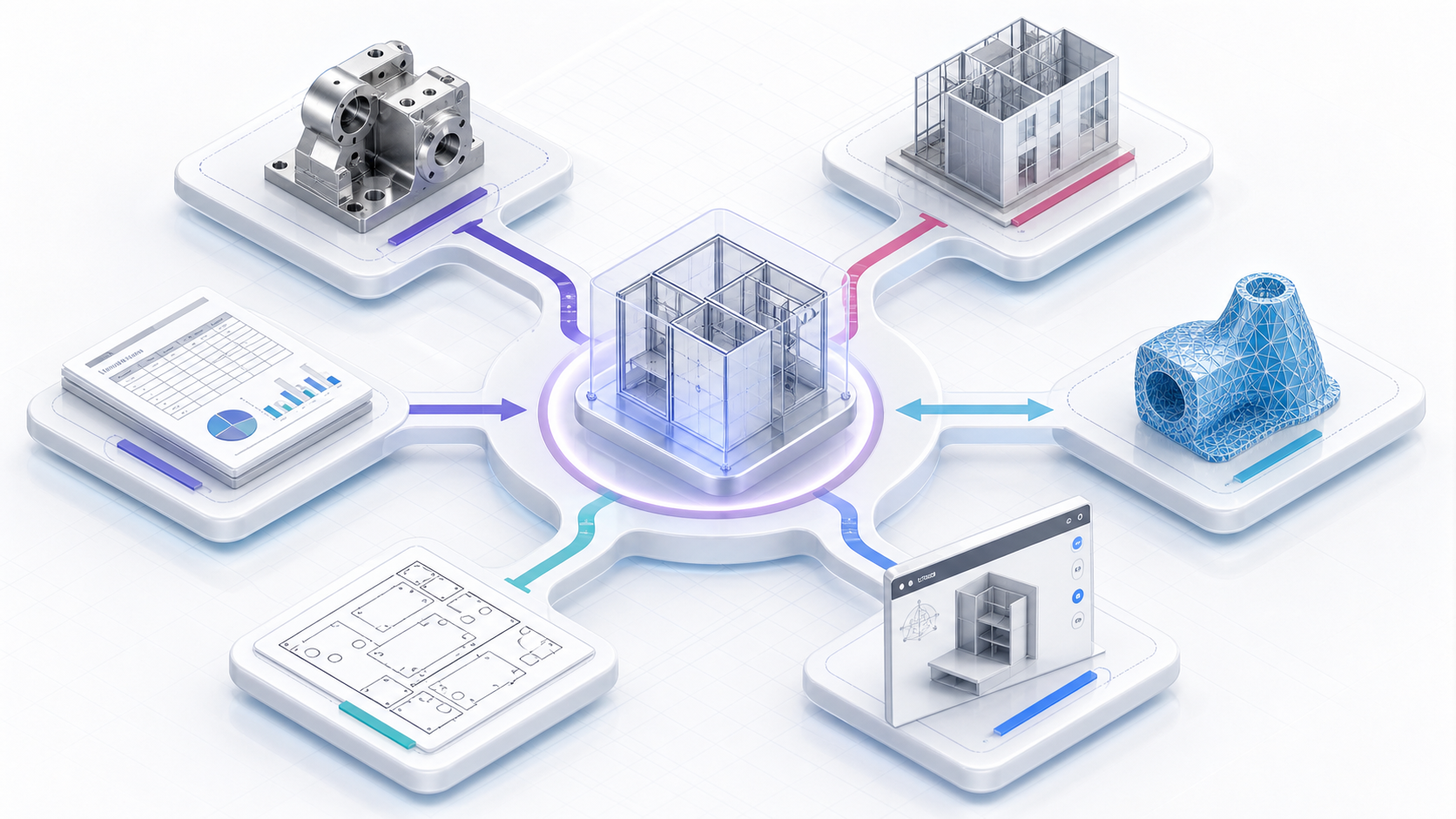
Every file format preserves a different kind of information. Choose the format based on what the next tool needs to do with the model.
STEP / STP
Best for precise mechanical CAD exchange. STEP keeps solid B-Rep geometry, faces, edges, and assembly structure so another CAD system can measure, machine, inspect, or refine the part.
IFC
Best for BIM coordination. IFC describes building elements, spatial structure, materials, quantities, and property sets. Use it for architecture and construction handoff, not for CNC-ready mechanical solids.
STL / 3MF
Best for mesh workflows. STL is simple triangle geometry for 3D printing, and 3MF can preserve richer 3D print data such as units, colors, and materials.
glTF / GLB
Best for web and real-time presentation. glTF/GLB carries optimized meshes, materials, textures, and animations for viewers and embedded configurators, but it is not a manufacturing CAD format.
DXF
Best for 2D manufacturing and drawings. DXF carries curves, outlines, profiles, and sheet layouts for laser cutting, routing, panel processing, and technical drawing exchange.
BOM / CSV / PDF
Best for the non-geometry part of the handoff. These files carry quantities, materials, selected options, prices, labels, and documentation that should match the exported geometry.
What STEP export enables
Use the configured model as an engineering artifact, not just a visualization.
CNC Preparation
Send precise geometry into manufacturing planning, machining preparation, and fixture workflows.
Supplier Exchange
Share neutral CAD files with external partners without locking them into your authoring tool.
CAD Refinement
Continue detailing, simulation, and drawing work in a downstream CAD package when needed.
Variant Approval
Freeze the exact configured result that was approved by sales, engineering, or the customer.
BOM Handoff
Pair exported geometry with quantities, materials, selected options, and production notes.
Need BIM instead?
Use IFC export when the configured result belongs in architecture, construction, or BIM coordination.
Ready for manufacturing-grade CAD handoff?
Build configurable products once, then export the approved variant as a usable STEP package.
Get Started