Create Your First Model
Build a simple parametric model from the first object to the live preview
Overview
This tutorial gives you the shortest useful path from an empty project to a first parametric 3D model. You will create one basic object, connect it to dimensions, and check that the model responds to changes.
Time
About 12 minutes
Level
Beginner
Goal
A simple model whose width, depth, and height can be changed from parameters
Step 1: Start with a box
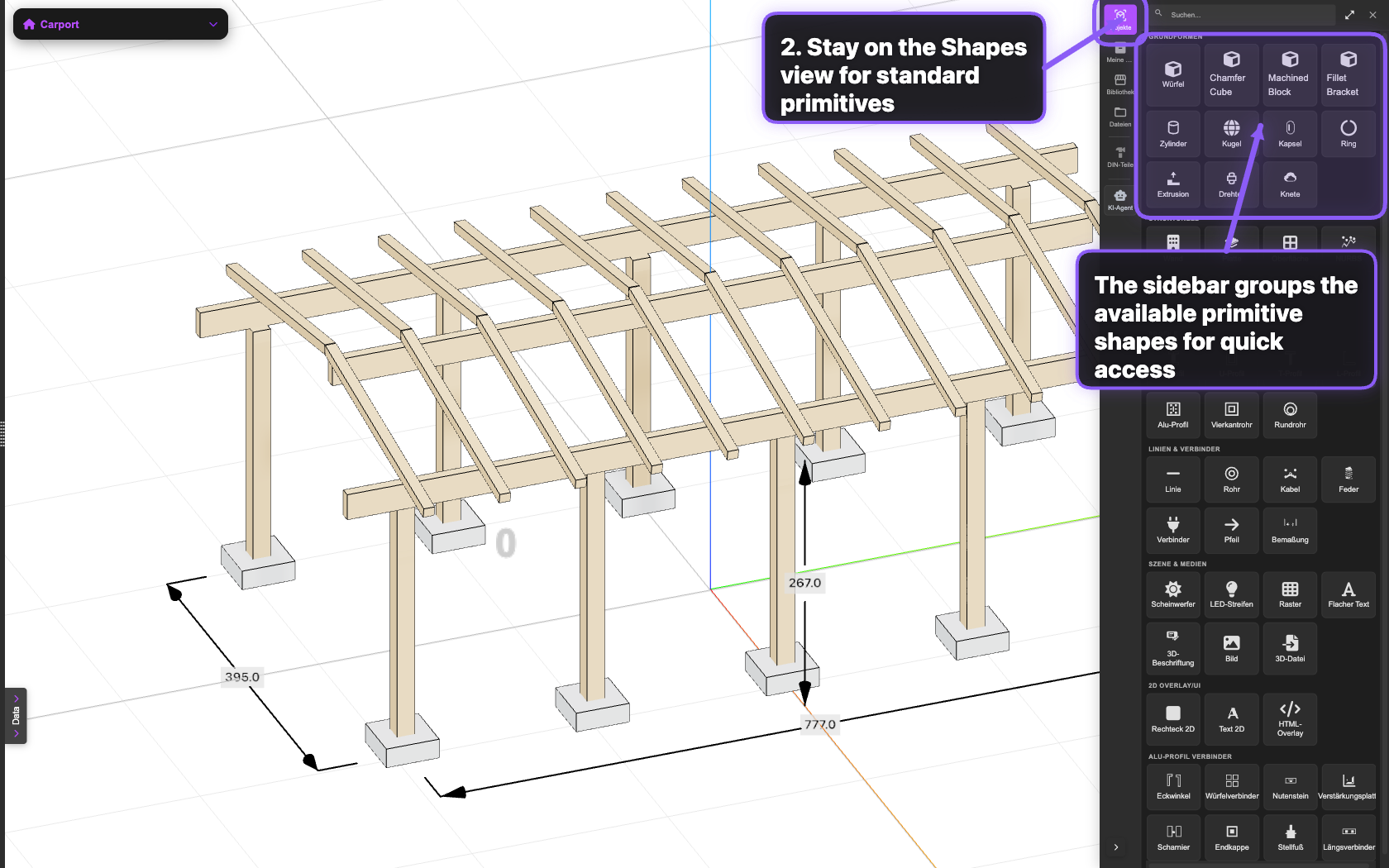
Use a cube or box as the first object. It is the clearest way to learn the connection between spreadsheet values and 3D geometry.
Step 2: Define the main dimensions
Create three parameters for the model size. Keep the names readable so later rules and formulas stay easy to scan.
Starter parameters
length = 1200 mm
width = 600 mm
height = 750 mm
Step 3: Connect parameters to geometry
Assign those parameters to the box dimensions. Once the object reads from parameters instead of fixed numbers, the model becomes reusable.
What to check
Change one dimension, rebuild or refresh the model, and confirm the 3D preview updates without replacing the object.